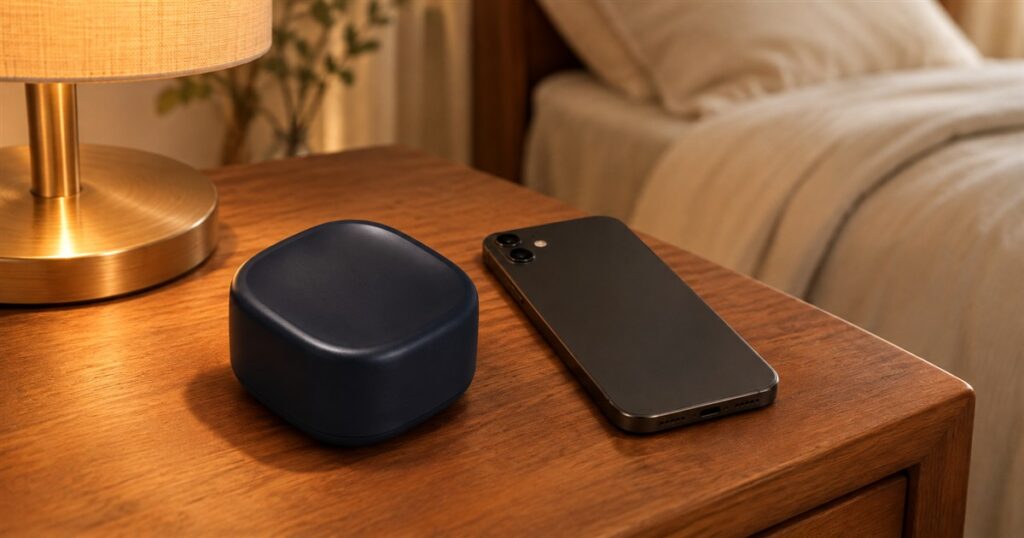
Bedtime has become a surprisingly elaborate negotiation. You put on pajamas, turn off the big light, and then spend forty minutes learning why a stranger hates their kitchen backsplash. Brick Night is a little bedside app blocker designed to interrupt that routine automatically. Walk into your chosen space during your chosen hours, and the distracting apps you selected stop being available. Your pillow finally gets a fair shot.
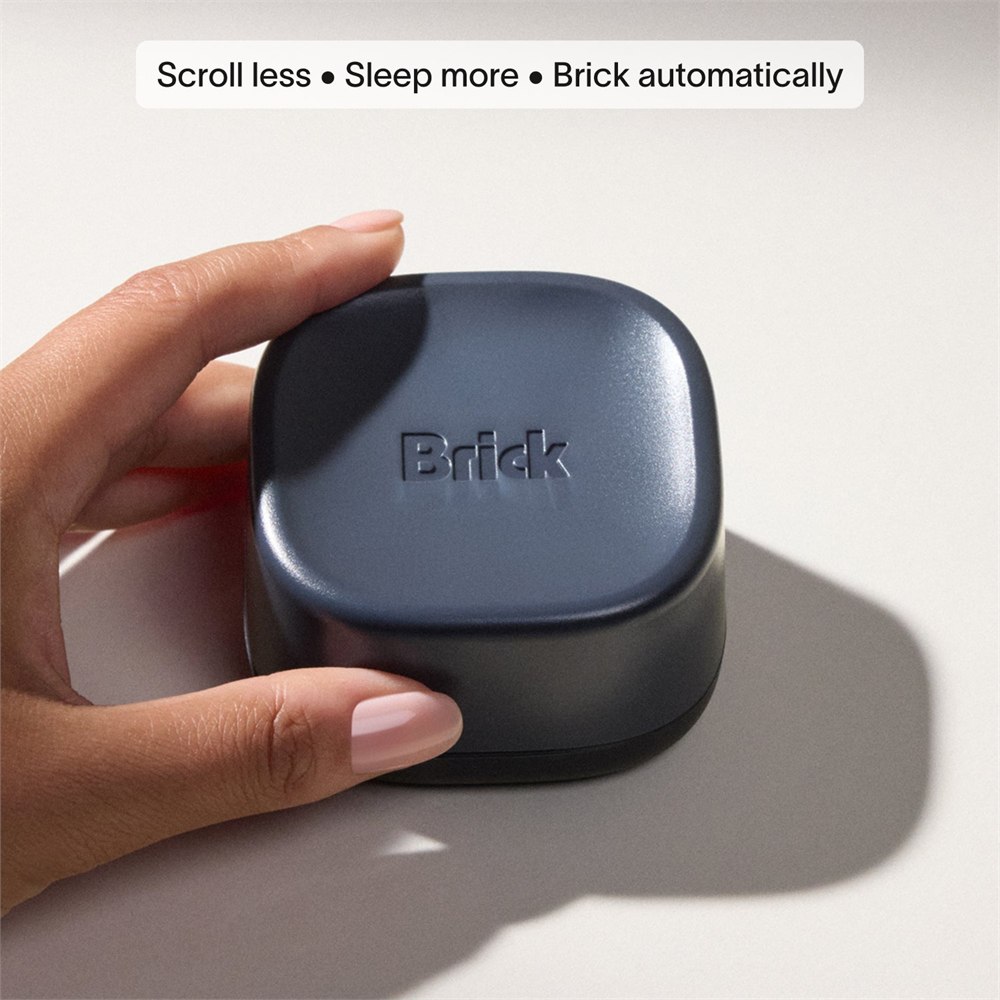
The device comes from Brick, but this version adds a useful twist to the idea of blocking distractions: location. Instead of relying only on a timer or a deliberate tap, Brick Night uses Bluetooth proximity through the Brick app to recognize when your phone is inside a configured area. Your bedroom becomes the boundary, which is considerably harder to forget than another well-intentioned notification.
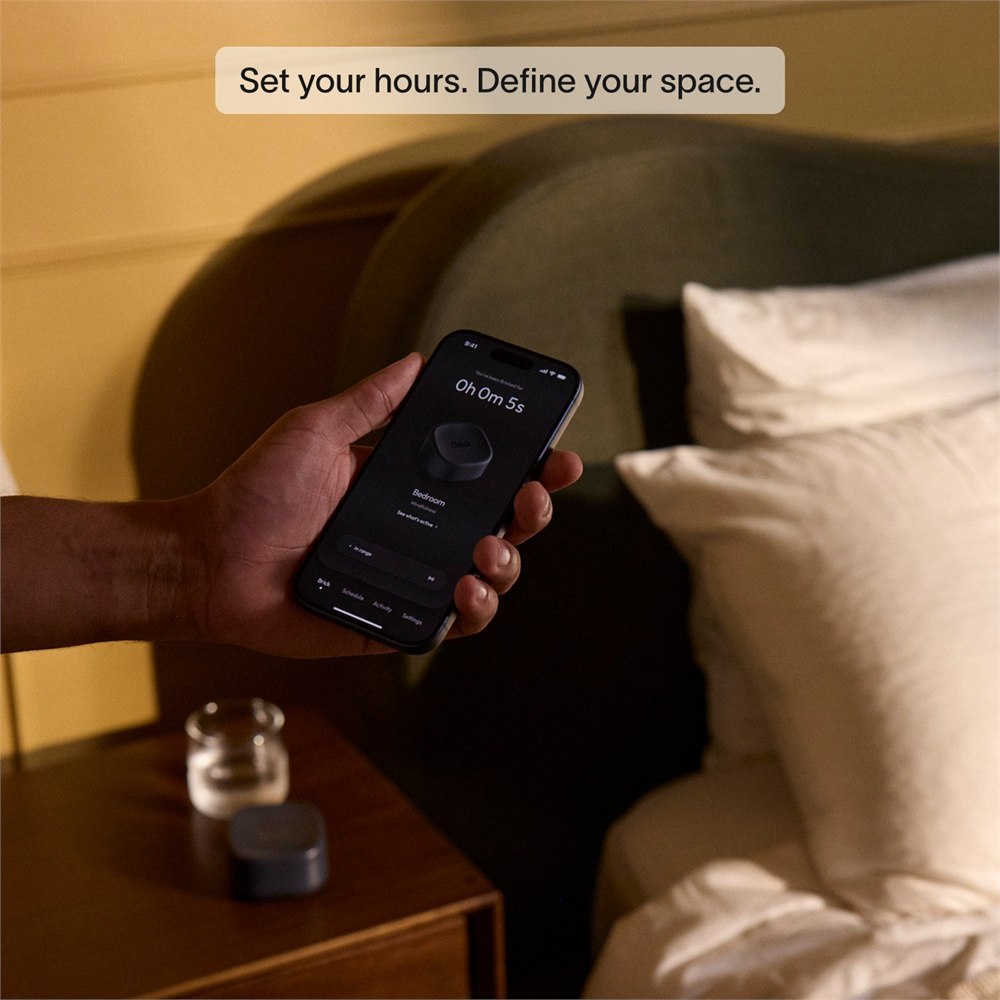
You choose the apps and websites to restrict, define the space, and set the time window. During that window, entering the space activates your selected blocking behavior. Leaving the space or reaching the end of the window releases it. The idea is to make your nighttime plan happen without needing a second burst of determination after you have already brushed your teeth.
Your bedroom gets a digital door policy
Brick Night doesn’t physically confiscate your phone. It doesn’t turn your bedroom into a signal-proof bunker, either. It works with the Brick app on a compatible phone to apply the restrictions you selected. That distinction matters: this is a configurable boundary for particular distractions, not a device that magically disconnects every screen in the house.
The manufacturer says the space can be up to 25 by 25 feet. During setup, you select a range that fits the area you want to protect. The space can also extend across walls, so it isn’t tracing the architectural outline of your bedroom. Bluetooth signal strength estimates how close the phone is to the device; the system is based on proximity rather than a tiny electronic floor plan.


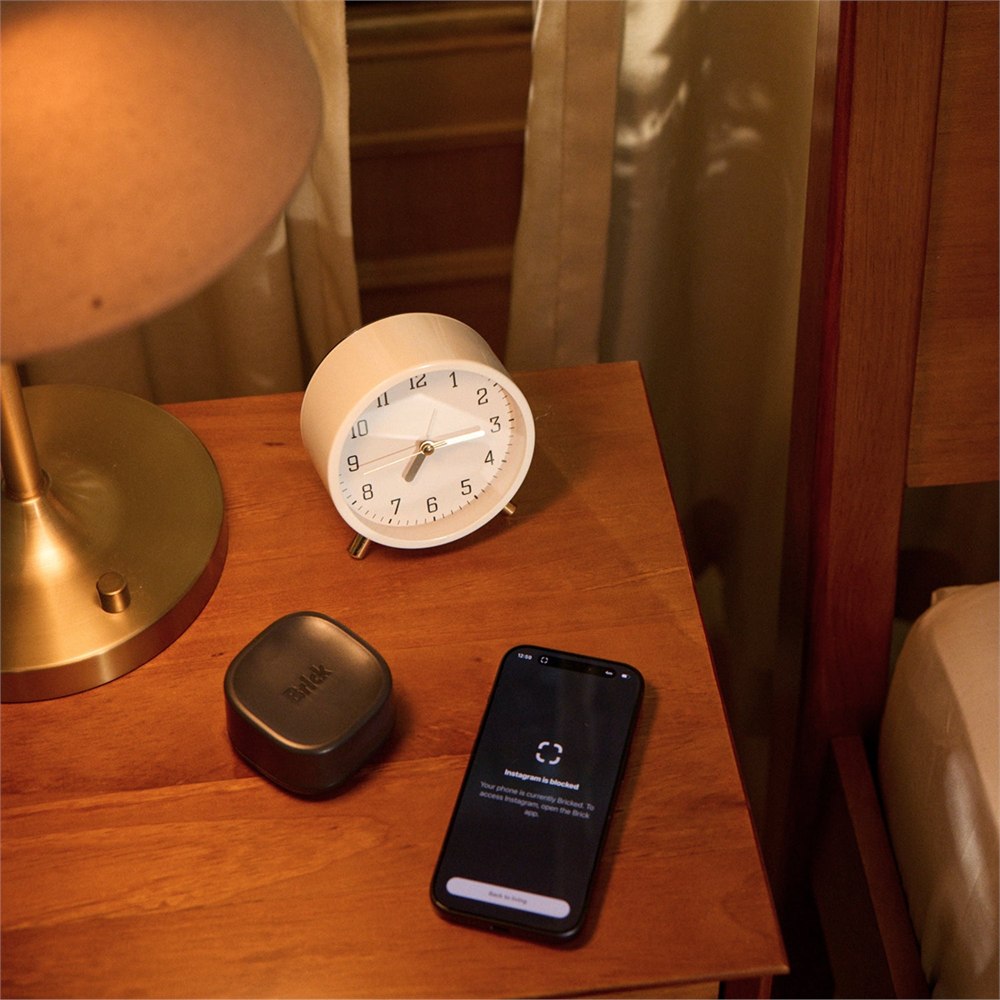
That makes placement part of the setup. A nightstand is the obvious home, but the important part is establishing a range that suits your actual room. You want your chosen apps restricted where you intend to wind down, not a boundary you discover by pacing the hallway in slippers. Spending a little time on the initial arrangement makes the nightly routine easier to understand.
Choose the distractions before they choose you
Within the Brick app, you create custom modes and select the apps and websites that should stay blocked. Brick Night then activates the chosen mode automatically. This lets you focus on the things that tend to derail your own evening instead of treating every phone function as equally troublesome. The wallpaper isn’t usually the problem. The endless feed has a stronger case to answer.
You can schedule specific hours or keep the location-based block active around the clock. A nighttime schedule suits the obvious use case, while continuous activation makes sense if you want a particular room to remain a consistent boundary. Either way, the setup ties the behavior to a place. You’re deciding what that space is for and giving the phone a little help remembering.
- Pick the apps and websites you want to block through the Brick app.
- Create a custom mode that matches your own distracting habits.
- Define a Bluetooth-based space up to 25 by 25 feet.
- Choose scheduled hours or keep the space active 24/7.
- Enter the space to activate blocking automatically during the selected window.
- Leave the space or reach the end of the window to unblock.
The exit is part of the design. If you decide you really need an app, you can leave the configured area. That adds a physical step between a passing impulse and another scrolling session. It also means this is a tool for a boundary you want to keep, not an unbeatable lock. The hallway remains the hallway, and your legs remain fully operational.
| Feature | Official specification |
|---|---|
| Activation | Bluetooth proximity through the Brick app |
| Configured area | Up to 25 by 25 feet |
| Schedule | Selected time windows or 24/7 |
| Dimensions | 73 by 73 by 45 mm |
| Construction | ABS and TPU |
| Color | Midnight Blue |
| Power | Two included CR2477 batteries |
| Compatibility | iOS 18 or later; Android 12 or later |
A small object with very few cable demands
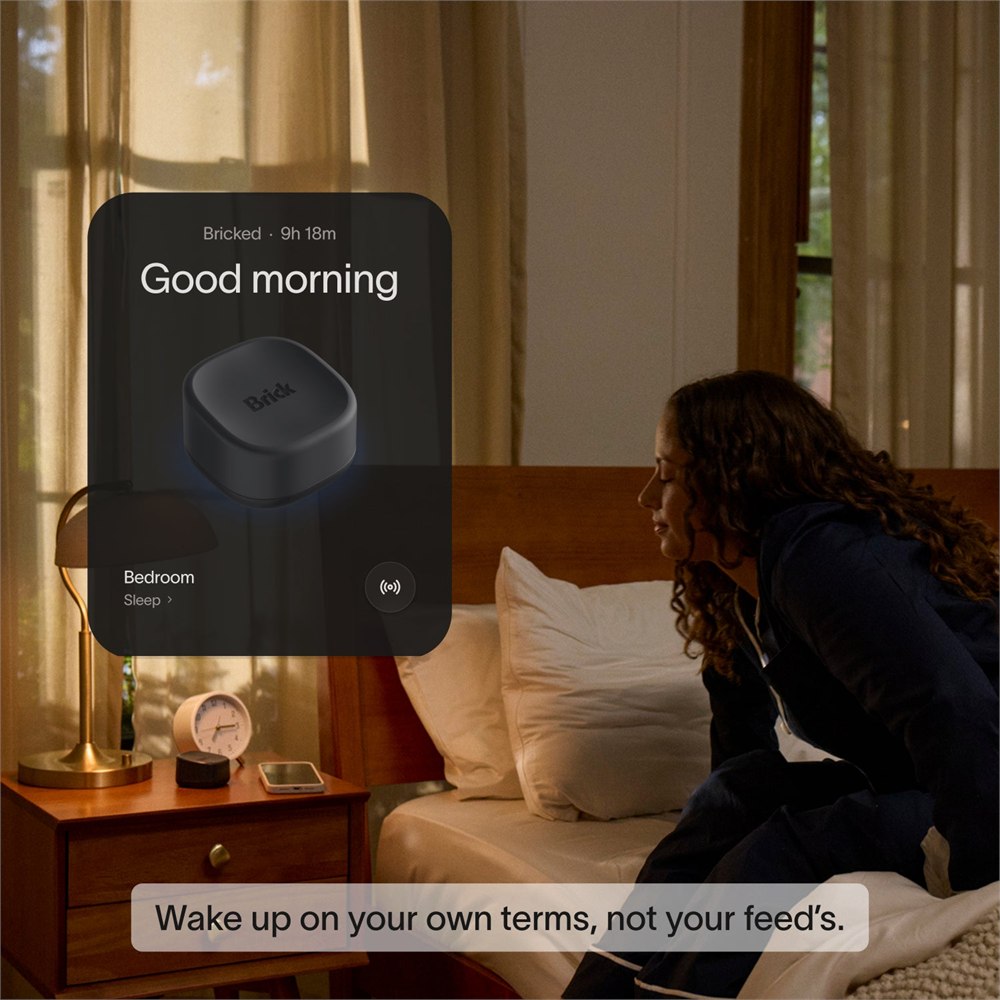
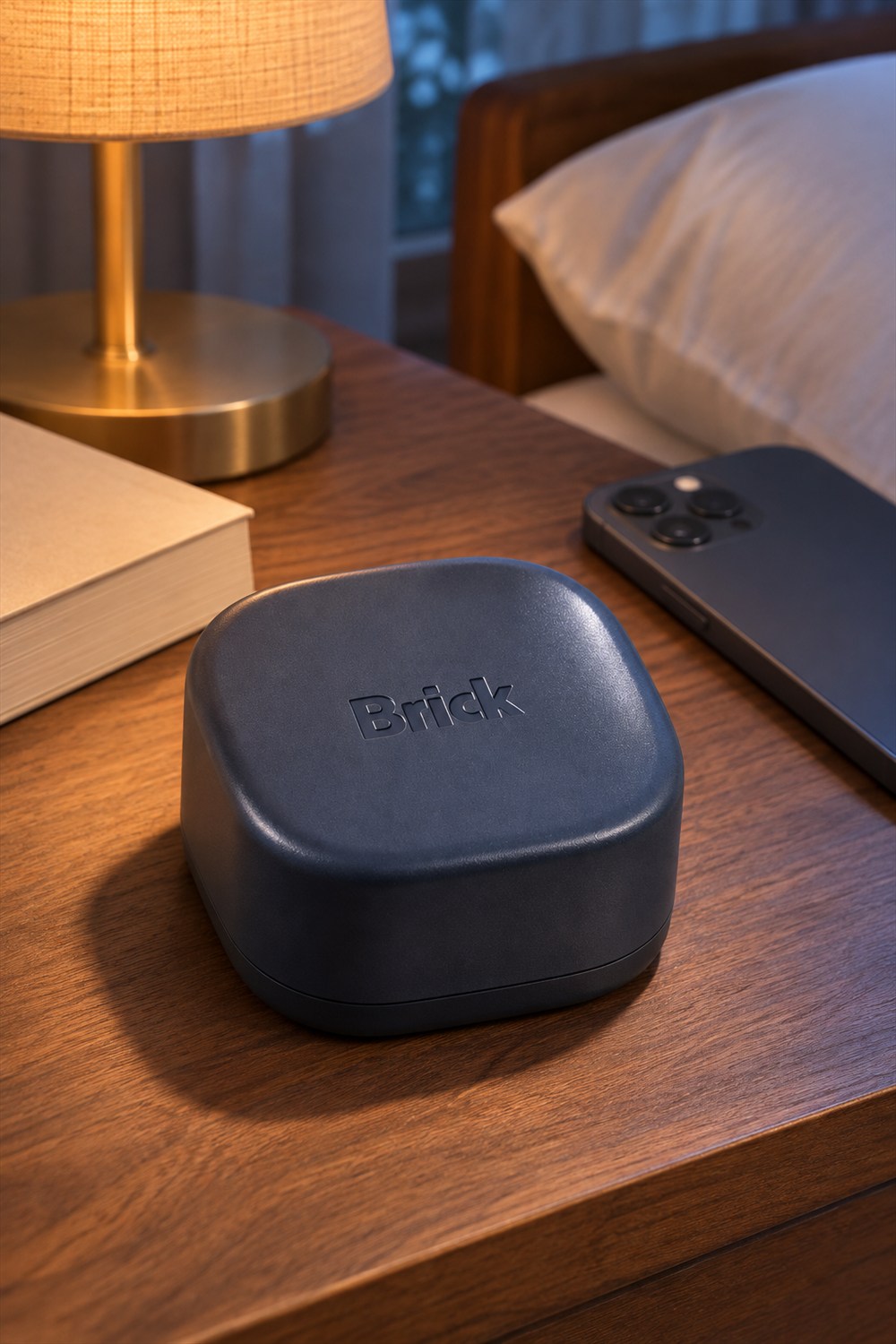
The hardware is compact: a rounded square form measuring 73 millimeters on each side and 45 millimeters tall. Its Midnight Blue finish and restrained shape look comfortable on a nightstand. It isn’t trying to become the brightest object in your bedroom, which would be a fairly awkward strategy for a product about winding down.
Inside are two CR2477 batteries, included with the device. Brick says it doesn’t need charging or Wi-Fi. That removes two familiar bedside irritations: finding another outlet and figuring out why something small has developed strong opinions about the router. Battery-powered still means batteries are part of ownership; it simply avoids adding a nightly charging task.
The manufacturer lists support for iPhones running iOS 18 or later and Android devices running Android 12 or later. Check the operating-system version on the phone you intend to use before ordering. The physical device and the phone app work together, so compatibility is a practical requirement rather than a footnote to skim while admiring the little blue object.
One device, different bedtime habits
Multiple people or devices can use the same Brick Night. Each person can configure their own settings, modes, time windows, and spaces independently. That is useful in a shared bedroom where one person is ready to stop scrolling at ten and the other is still conducting important research into whether raccoons can open coolers.
Independent settings also avoid turning the product into a debate about whose apps are worse. The arrangement is personal: each user chooses their own restrictions. Sharing the hardware doesn’t require everyone to adopt the same schedule or identical list of distractions. That makes the idea more adaptable to real households, where synchronized bedtimes are often a lovely theoretical concept.
The original Brick and Brick Night have different roles. The standard device is built around a physical app-blocking interaction and can also use scheduling. Night adds the location-specific layer for a chosen space. You don’t need to mistake the two products for interchangeable colors of the same gadget; the automatic proximity behavior is the reason this one exists.
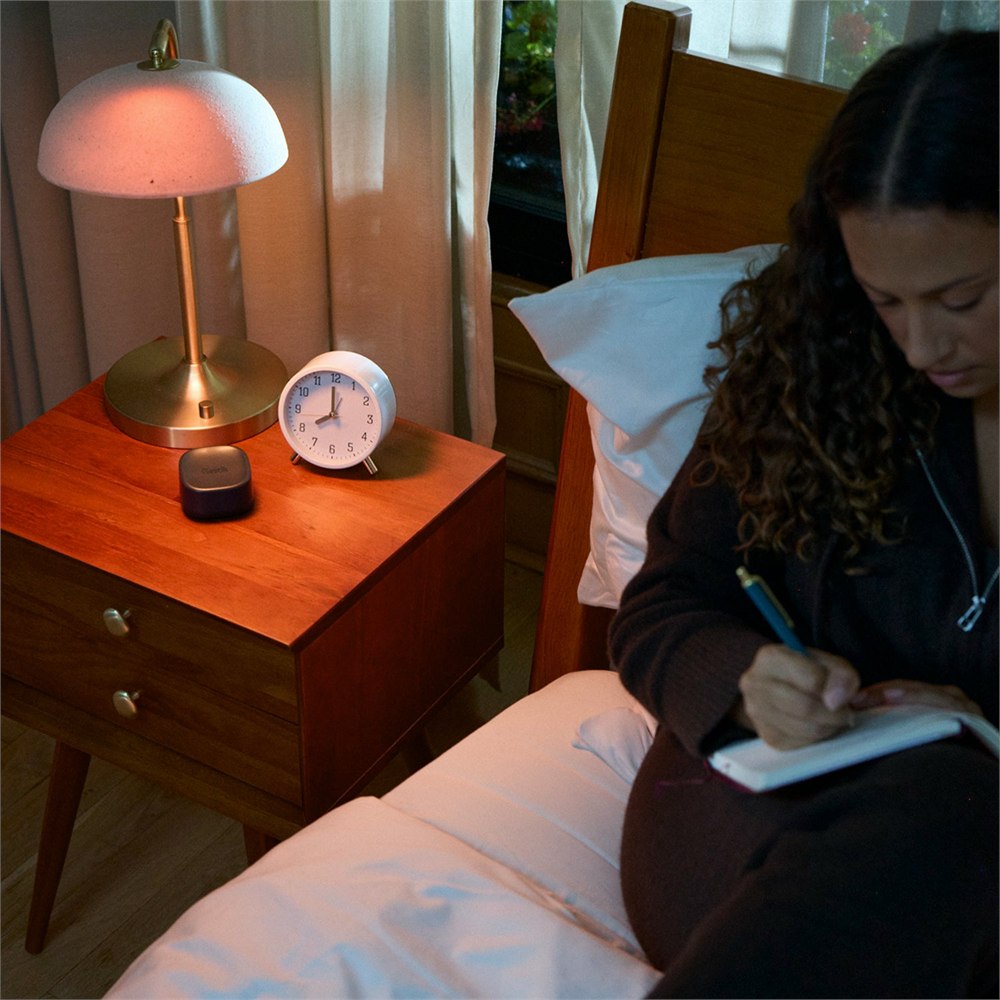
None of this guarantees a particular amount of sleep or turns a bedroom into a wellness laboratory. What it offers is more concrete: fewer opportunities to open the apps you chose while you are in the space you chose. If the usual obstacle is forgetting to activate a blocker, automatic entry-based activation directly addresses that extra step.
- Brick Night is an automatic, location-based app blocker.
- It uses Bluetooth proximity and configurable modes in the Brick app.
- The selected space can reach up to 25 by 25 feet and can span walls.
- Multiple users can keep independent settings on one device.
- Two CR2477 batteries are included; charging and Wi-Fi aren’t required.
- Compatible phones need iOS 18 or later, or Android 12 or later.
Brick currently lists Brick Night at $129 on its official store. The product page offers ordering directly from Brick and describes a 30-day money-back guarantee. For someone who repeatedly loses the last half hour of the day to an app they didn’t even mean to open, the appeal is straightforward: a little less negotiating with the phone, and a bedroom that remembers the plan.
Product photographs: Brick.
| Pros | Cons |
|---|---|
| Activates automatically in a chosen space | Requires initial app and range setup |
| Custom apps, websites, and schedules | Leaving the configured space releases the boundary |
| Independent settings for multiple users | Compatible phone and operating system required |
| No charging cable or Wi-Fi needed | Uses replaceable batteries |
| Compact bedside design | Bluetooth proximity can extend across walls |
Save this find.
Thank yourself later.
Your next great gift idea. Your someday space. Your collection of wonderfully weird things.
Save to PinterestPick a board. Keep the inspiration.
This Bedside App Blocker Automatically Stops Scrolling in Your Bedroom
At a glance