
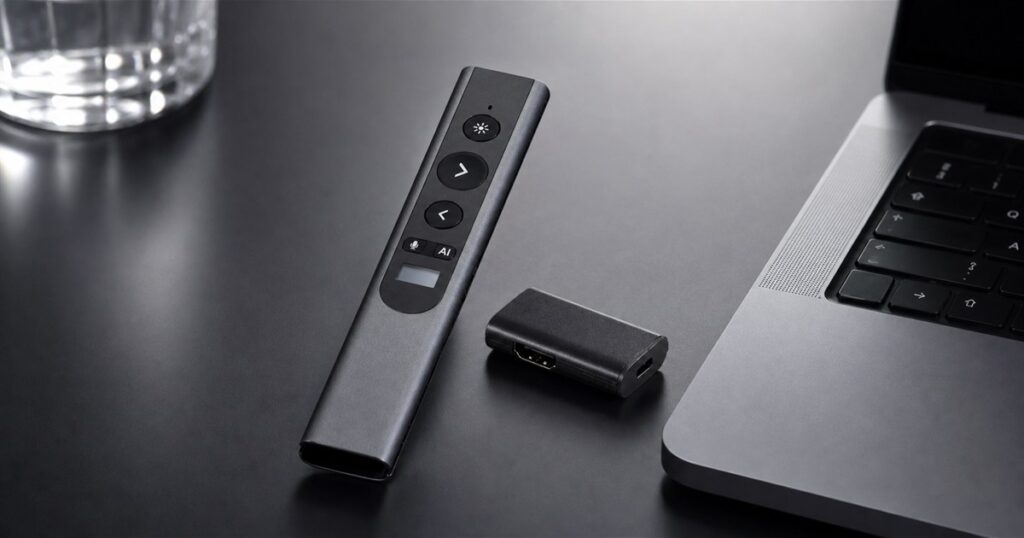
Every conference room has one sacred ritual: someone stands up confidently, points a tiny remote at a wall, and immediately looks like they are trying to unlock a car from 2007. The PowerRider P1 AI presenter remote is built for that exact moment, except it arrives wearing the suspiciously overqualified job title of slide clicker, air mouse, microphone, translator, digital pointer, AI shortcut, and USB-C hub.
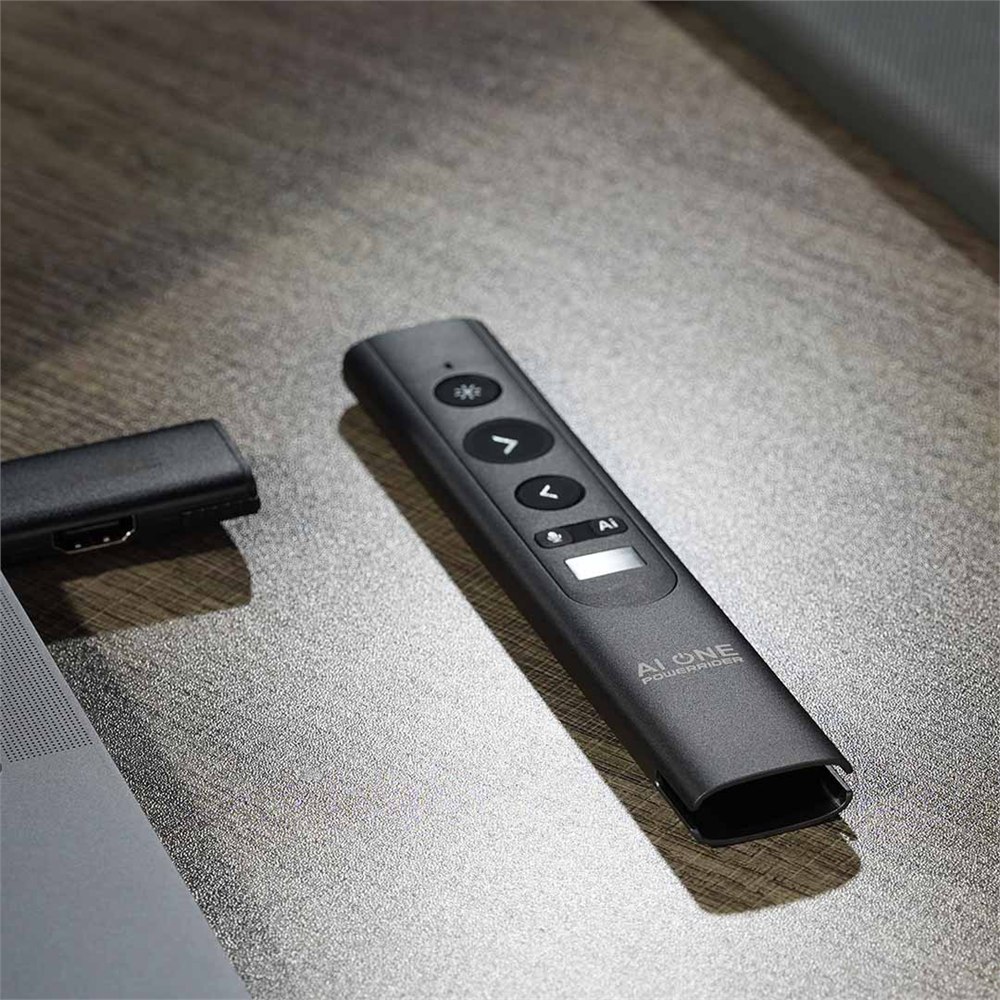
Made by EGIOZR Tech, the PowerRider P1 takes the familiar slim presentation remote shape and stuffs it with the sort of features normally scattered across a laptop bag like office confetti. It can advance slides, highlight points on screen, control a cursor as an air mouse, capture spoken words as text, translate speech in real time, serve as a backup microphone, and connect through a detachable receiver that doubles as a compact USB-C hub.
That is a lot of responsibility for something weighing 63 grams. Most presenter remotes live simple lives. They click forward, click backward, maybe fire a red laser dot at a chart until everyone pretends to understand quarterly margins. The P1 appears to have looked at that career path and decided to become the tiny operations manager of your laptop instead.
A Presenter Remote That Wants The Whole Meeting Under Control
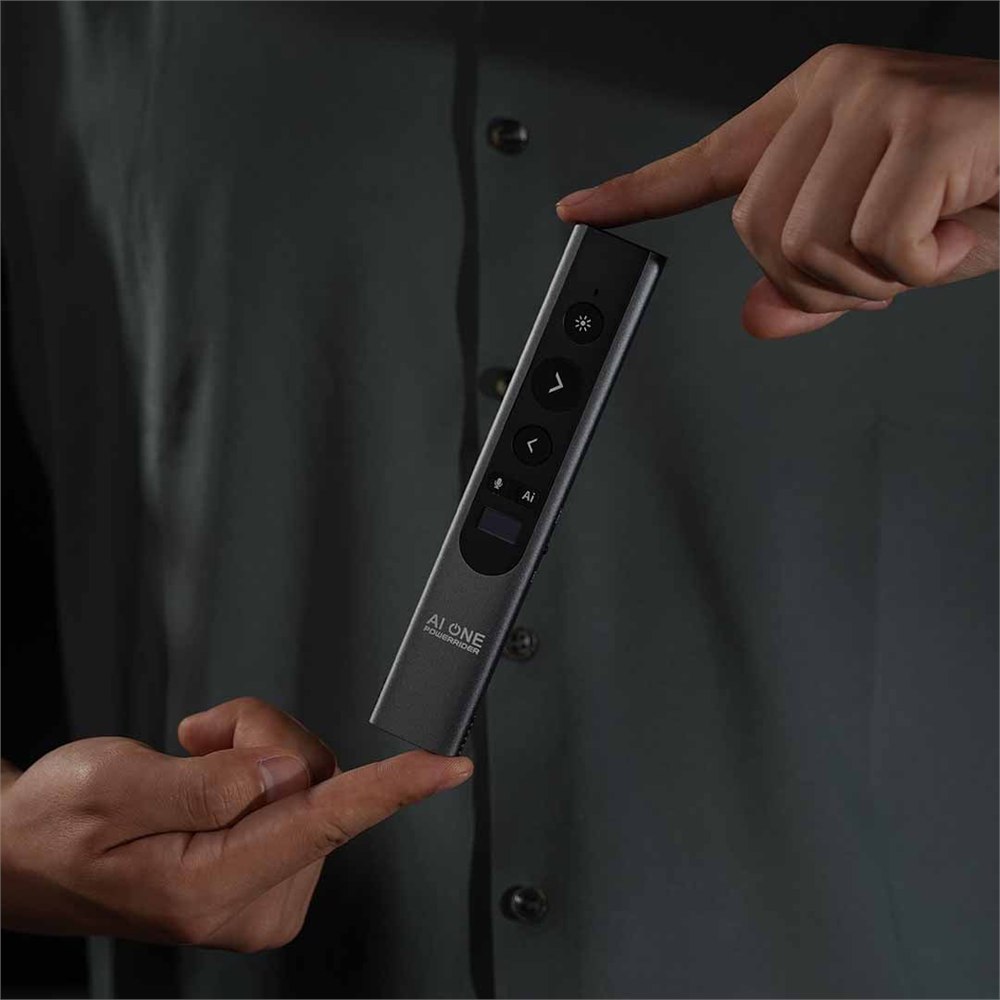
The core idea is still presentation control, which is good, because a remote that forgets to be a remote would be the most corporate form of betrayal. The PowerRider P1 includes slide controls, a physical red laser pointer for in-person rooms, and five digital highlight modes designed for the modern screen-share era. Those digital tools include options such as spotlighting, magnifying, and annotating directly on the shared display, so your audience can actually see what you are pointing at during a video call.
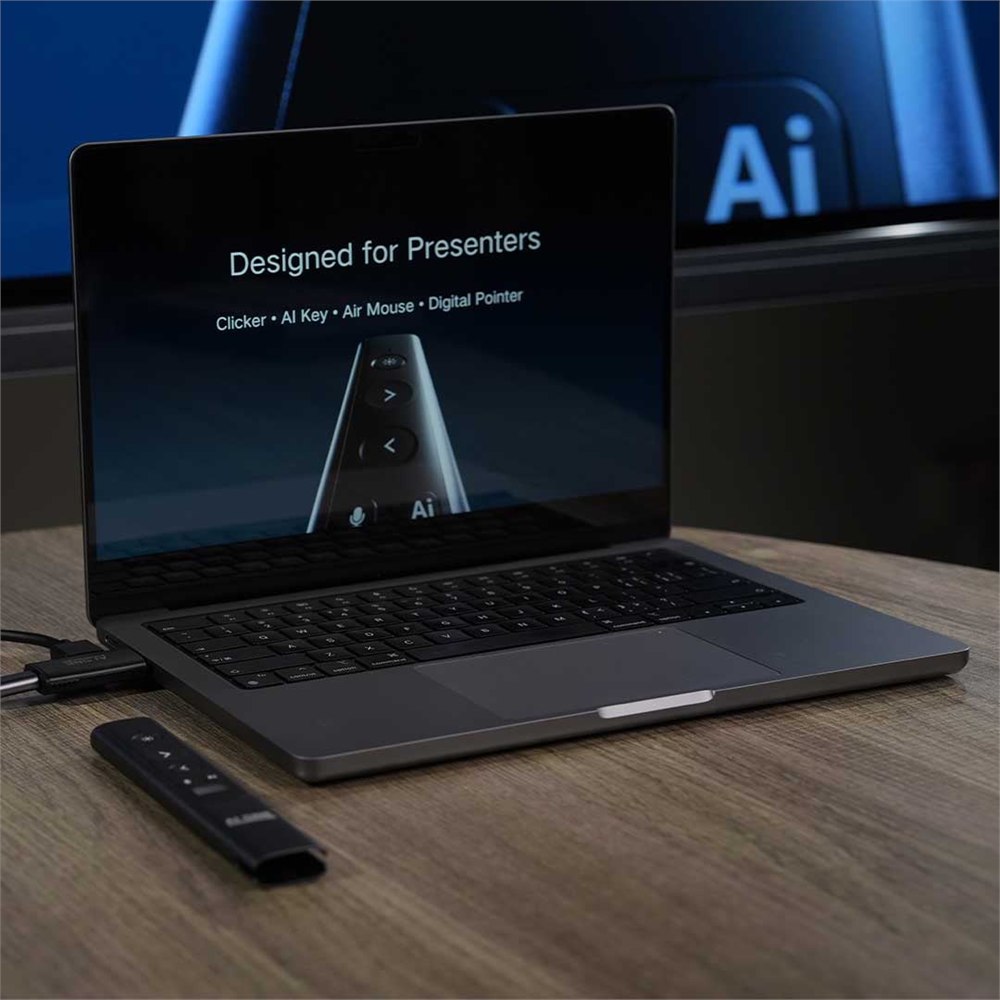
That matters because traditional laser pointers are wonderful in a physical room and completely invisible the moment your presentation becomes a Zoom rectangle. The P1 is aimed at the weird middle ground where half the room is physically present, half the room is remote, one person is on hotel Wi-Fi, and everyone still expects the chart to make sense.

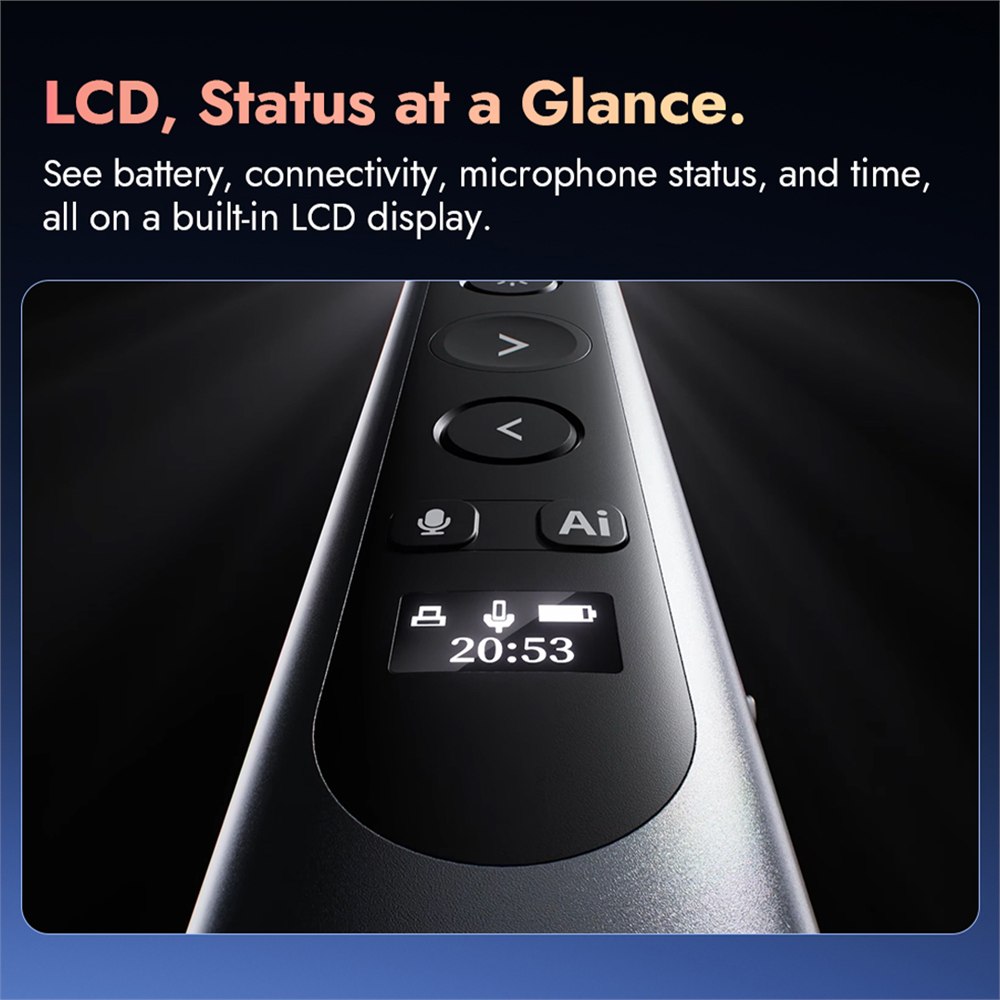
Its body has a small LCD display that shows quick status information such as battery level, connection state, microphone activity, and time. That little screen is not trying to be a smartphone. It is more like the remote giving you a tiny dashboard so you do not have to ask your laptop how your remote is feeling.
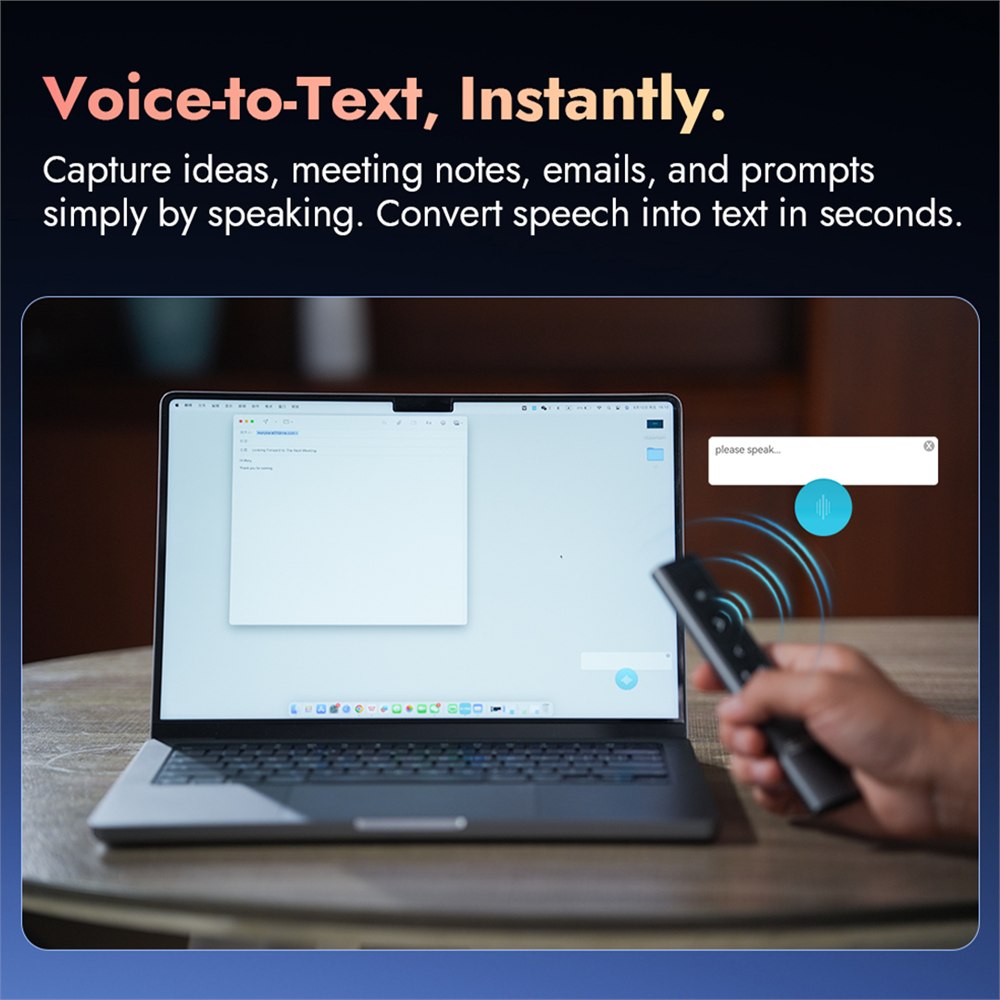
The built-in microphone is where the P1 starts acting less like a clicker and more like the assistant your desk drawer has been hiding from you. It supports voice-to-text input in more than 50 languages, according to the campaign materials, which means it can turn spoken notes, emails, meeting thoughts, or presentation prompts into text without making you stop and hunt for a keyboard.
- Use the digital pointer modes for screen-shared presentations where a normal laser dot disappears.
- Use the air mouse control when you need cursor movement from across the room.
- Use voice-to-text for quick notes, prompts, emails, or meeting minutes.
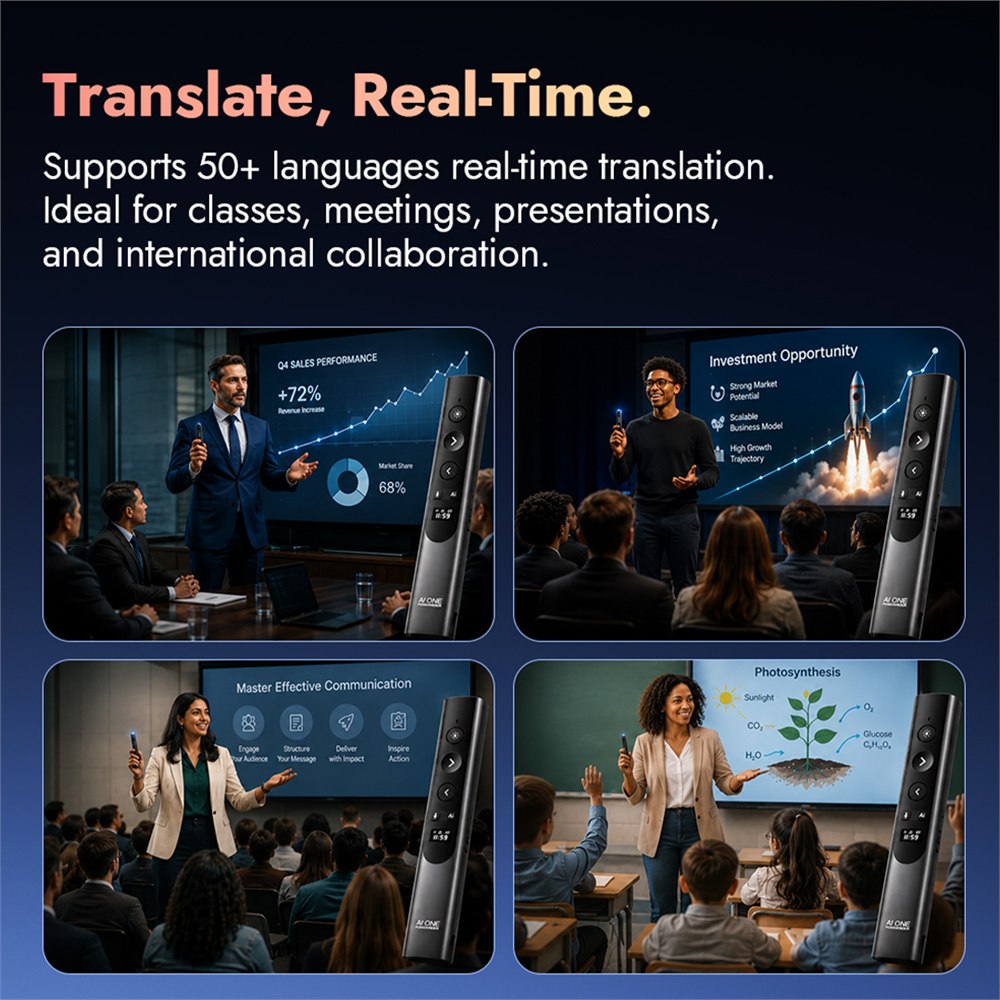
- Use real-time translation for multilingual classes, meetings, and presentations.
- Use the detachable receiver as a compact USB-C hub instead of carrying another adapter.
Real-time translation is also part of the pitch, giving presenters a way to communicate across languages without turning every meeting into a frantic tab-switching ceremony. As always with translation tools, the smart move is to treat it as a useful assist, not a sacred legal document in wand form. But for classes, travel, client meetings, and global teams, having translation built into the same tool that controls your slides is genuinely practical.
The Receiver Is Also A Tiny Dock, Because Apparently It Was Bored
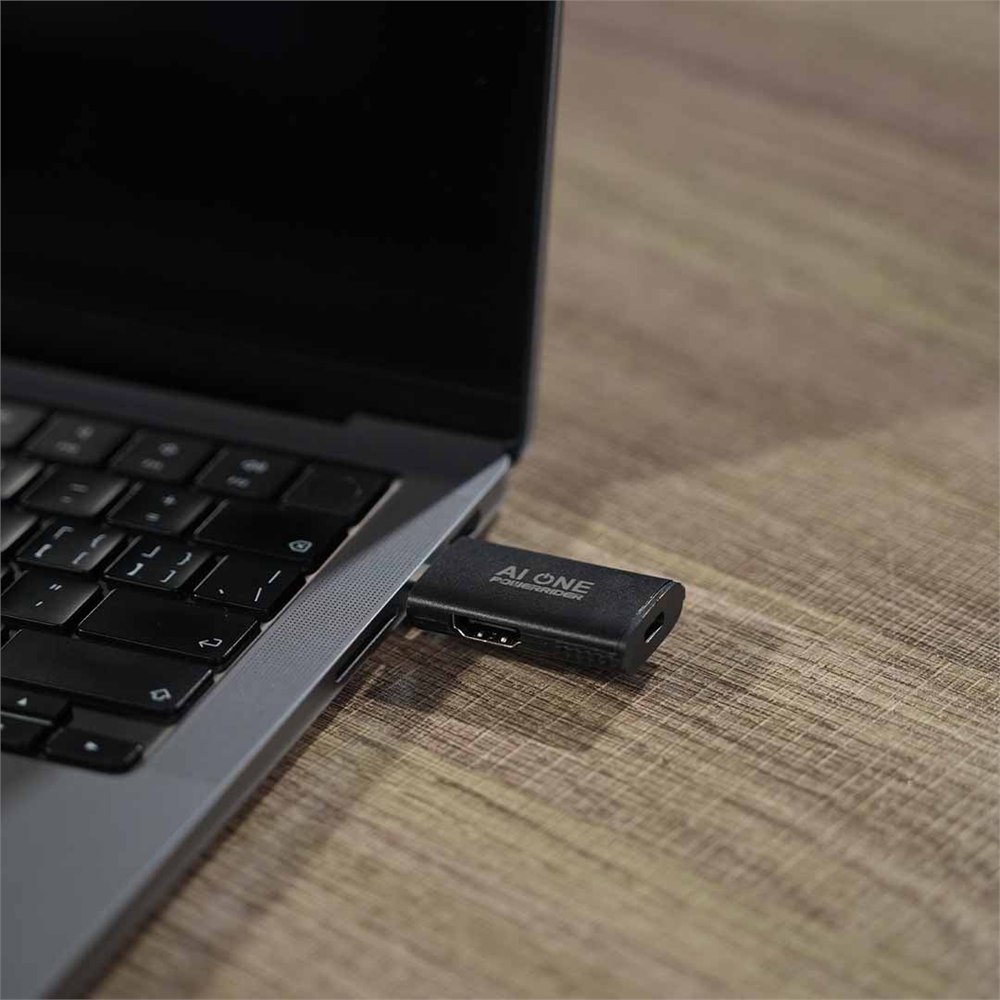
The P1’s detachable receiver is not just a wireless dongle. It also functions as a USB-C hub with 4K video output at 60Hz, 100W power delivery, USB-A data transfer, and a 3.5 mm audio jack. In other words, the little part you would normally lose in the bottom of your bag is also trying to replace the adapter stack that lives beside your laptop like a small plastic coral reef.
| PowerRider P1 feature | What it is meant to handle |
|---|---|
| Digital highlight modes | Spotlighting, magnifying, and marking up presentation content on shared screens |
| Voice-to-text | Capturing spoken notes, prompts, emails, and meeting text in 50+ languages |
| Real-time translation | Helping with multilingual presentations, classes, and meetings |
| Detachable USB-C hub | 4K@60Hz video, 100W power delivery, USB-A data, and audio output |
| Wireless control | Bluetooth or 2.4GHz connectivity with up to 10 meters of range |
| Battery | 280mAh battery rated for up to 10 hours of active use |
The compatibility list is sensible for the intended audience: Windows 10, Windows 11, and macOS 13 or later. That covers the laptop population most likely to be dragged into a room with a projector cable and a sentence that begins, “Can you just plug in real quick?”
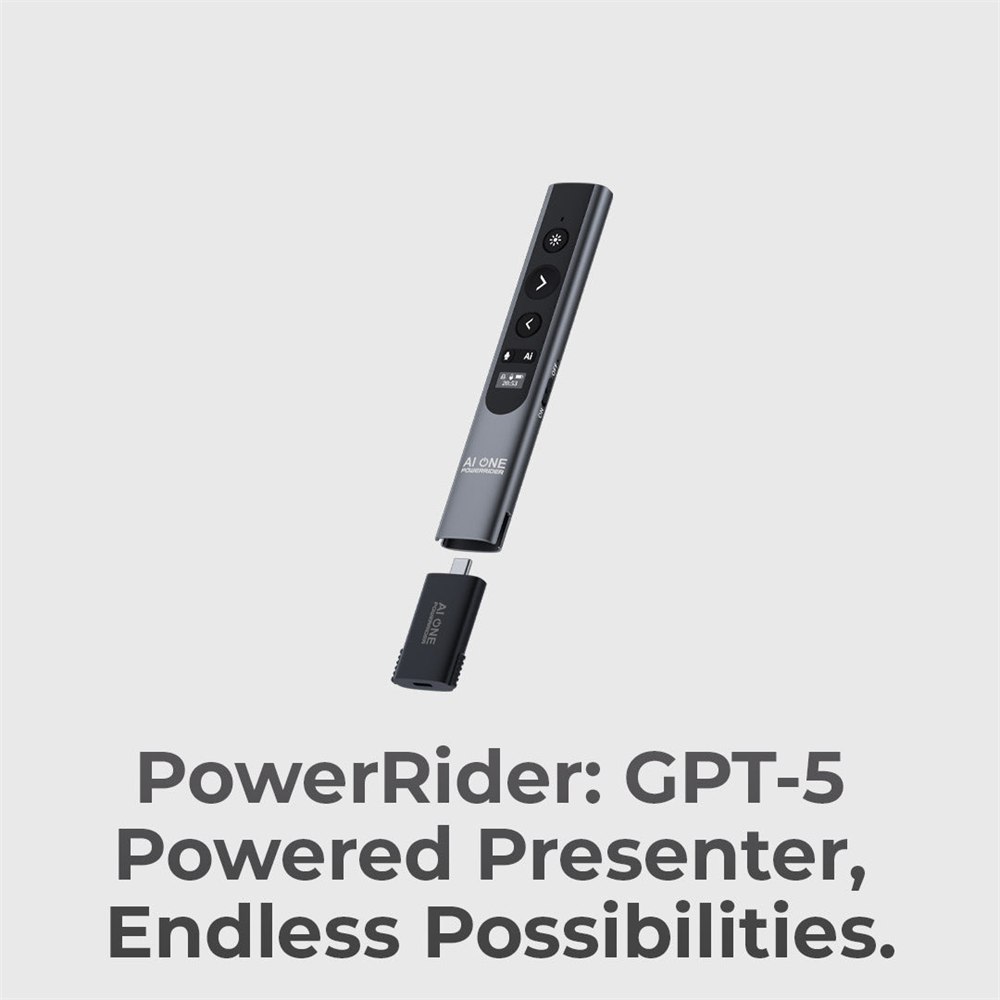
The campaign also describes a dedicated AI button that connects through companion AI ONE software, offering quick access to AI-assisted tasks. The practical version of that is not magic. It is a hardware shortcut for the kind of small work people already do while preparing or presenting: drafting a sentence, shaping a prompt, converting a document, making a quick outline, or asking for help without performing the ancient ritual of opening six browser tabs and forgetting which one contains the actual meeting.
There is some comedy in the fact that a presentation remote now has a software ecosystem, but it also makes sense. Presentations have become less about standing beside a projector and more about managing audio, video, chat, documents, translation, and panic at the same time. If one handheld tool can remove even two of those tiny frictions, it earns its place in the bag.
Who This Tiny Office Multitool Makes Sense For
The obvious buyers are presenters, teachers, consultants, trainers, public speakers, sales teams, and anyone who has ever borrowed a conference room adapter from someone named Mark and never seen it again. It is especially useful for people who move between classrooms, meeting rooms, coworking spaces, hotel ballrooms, and client offices where the technology setup changes just enough to ruin your morning.
It is probably overkill if you only need to click through three slides once a year. A basic remote can do that without asking to become your hub, mic, and translation sidekick. The PowerRider P1 is more interesting for people who regularly present, talk through demos, capture notes, or need one small device to do several annoying office jobs.
The listed package includes the presenter, hub receiver, protective travel case, USB-C and USB-A cables, and a card reader adapter. Optional add-ons include power adapters and an 8K HDMI cable, which is the kind of accessory list that says, “We know your laptop has exactly one useful port and it is already emotionally exhausted.”
PowerRider P1 is listed through Kickstarter with early-bird pricing starting at $139, with a planned retail price of $199. Yanko Design notes two-pack and three-pack configurations as well, with shipping calculated separately and fulfillment expected to begin in October 2026. Since it is a crowdfunding product, the usual backer caution applies: you are supporting a project timeline, not pulling a boxed item from a store shelf this afternoon.
- Product: PowerRider P1 AI presenter remote and USB-C hub system
- Maker: EGIOZR Tech
- Main uses: slide control, digital highlighting, air mouse control, voice-to-text, translation, backup microphone, laptop connectivity
- Connectivity: Bluetooth or 2.4GHz wireless control with a detachable USB-C hub receiver
- Hub features: 4K@60Hz video output, 100W power delivery, USB-A data transfer, and 3.5 mm audio
- Battery and weight: 280mAh battery, up to 10 hours active use, 63 grams
- Compatibility: Windows 10, Windows 11, and macOS 13 or later
- Availability: Kickstarter campaign with early-bird pricing listed at $139
If your current presentation setup is a laptop, a clicker, a hub, a microphone, a translation app, and a prayer whispered at the projector, the PowerRider P1 is basically that entire little anxiety pile compressed into one pocketable gadget. It may not make your quarterly update more exciting, but it can at least make you look like the one person in the room who came prepared for the adapter apocalypse.
| Pros | Cons |
|---|---|
| Combines presenter controls, AI shortcut, microphone, translation, and hub functions | More complex than a basic slide clicker |
| Digital highlight modes are useful for screen sharing and hybrid meetings | AI and translation usefulness will depend on software quality and language context |
| Detachable USB-C hub adds real laptop utility | Crowdfunding availability means delivery timing can change |
| Small LCD gives quick status information | People who rarely present may not need this many features |
| Lightweight 63-gram design should travel easily | Hub receiver is a small detachable piece that needs to be kept track of |
| Works with modern Windows and macOS systems | Some advanced features rely on companion software |
Where to find This AI Presenter Remote Also Works as a USB-C Hub, Mic, and Translator
OddityMall may earn a commission from qualifying purchases at no extra cost to you.
