
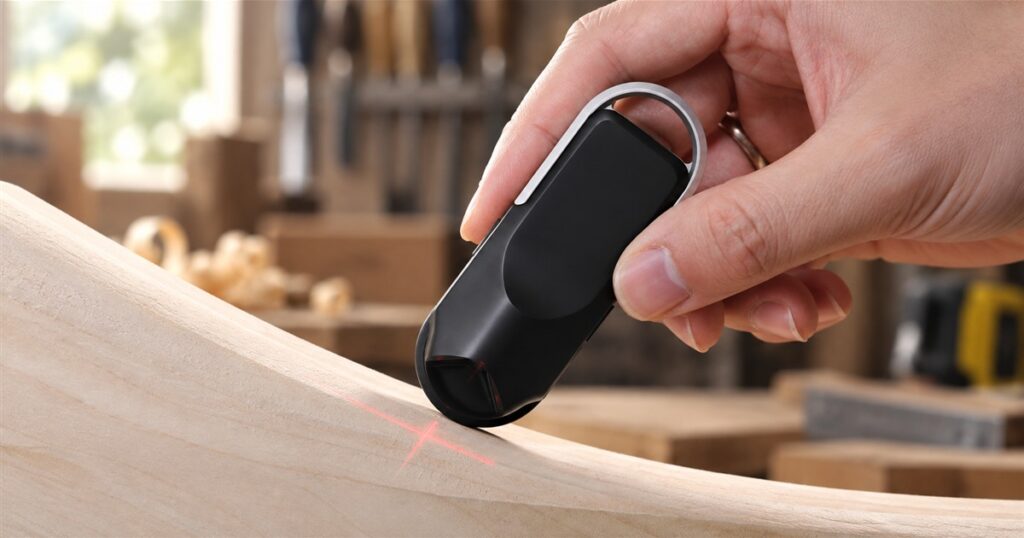
Every home project reaches the point where someone holds a tape measure against a curve, squints, and announces a number that is mostly hope. The HOZO NeoRulerGO offers a more civilized approach: roll a little wheel along the thing you want to measure and let a digital screen handle the arithmetic. Your ambitious shelf can still go wrong. At least the measuring stage gets a fighting chance.
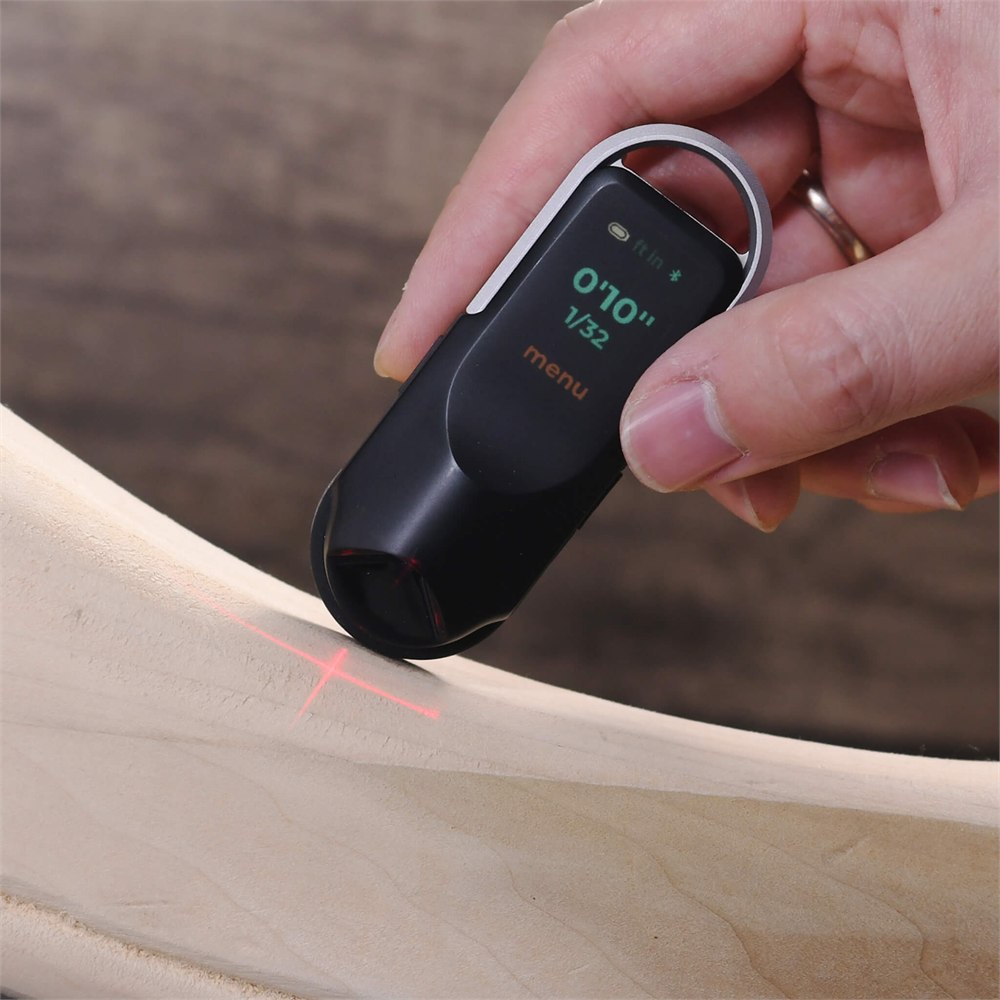
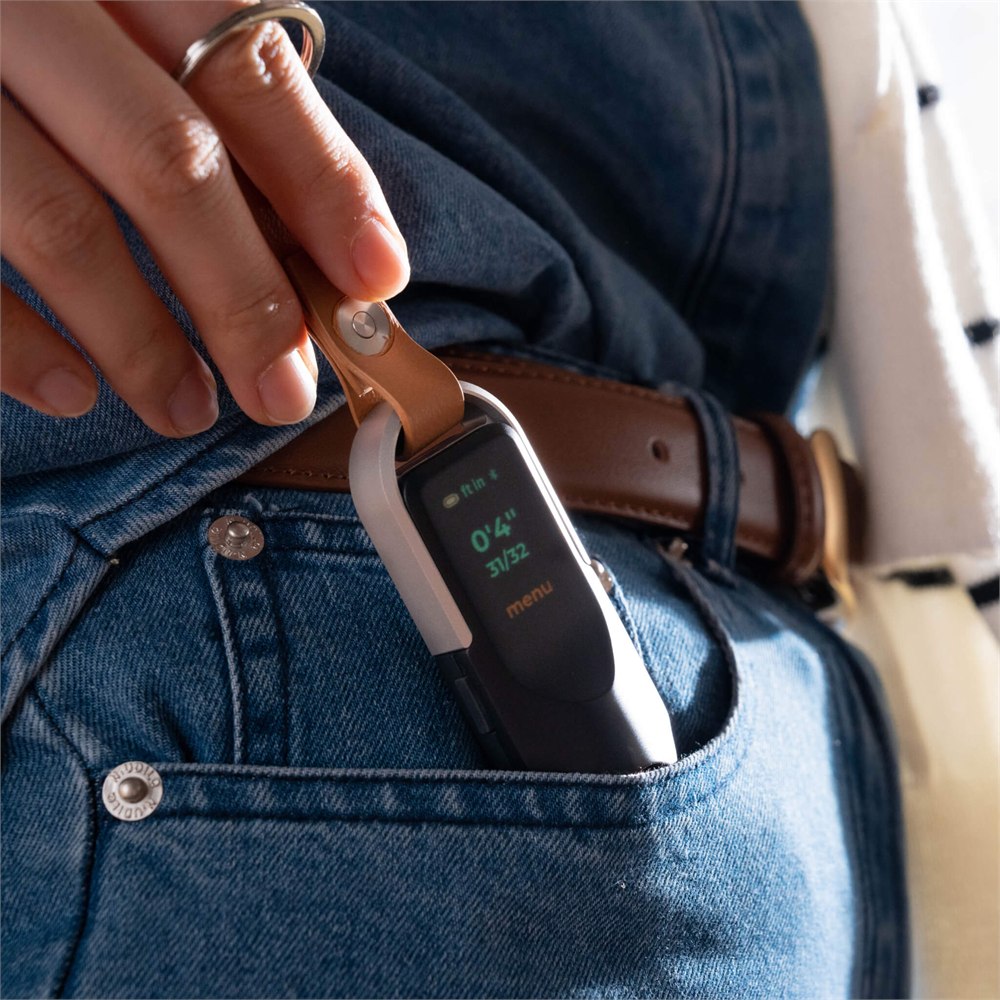
This pocket-size digital rolling ruler follows straight lines, curved edges, and irregular contours. Instead of pulling out a metal blade and convincing it to behave, you move the tool across the surface. Its rounded black body, silver loop, small display, and wheel make it look a bit like a car key that went back to school for architecture.
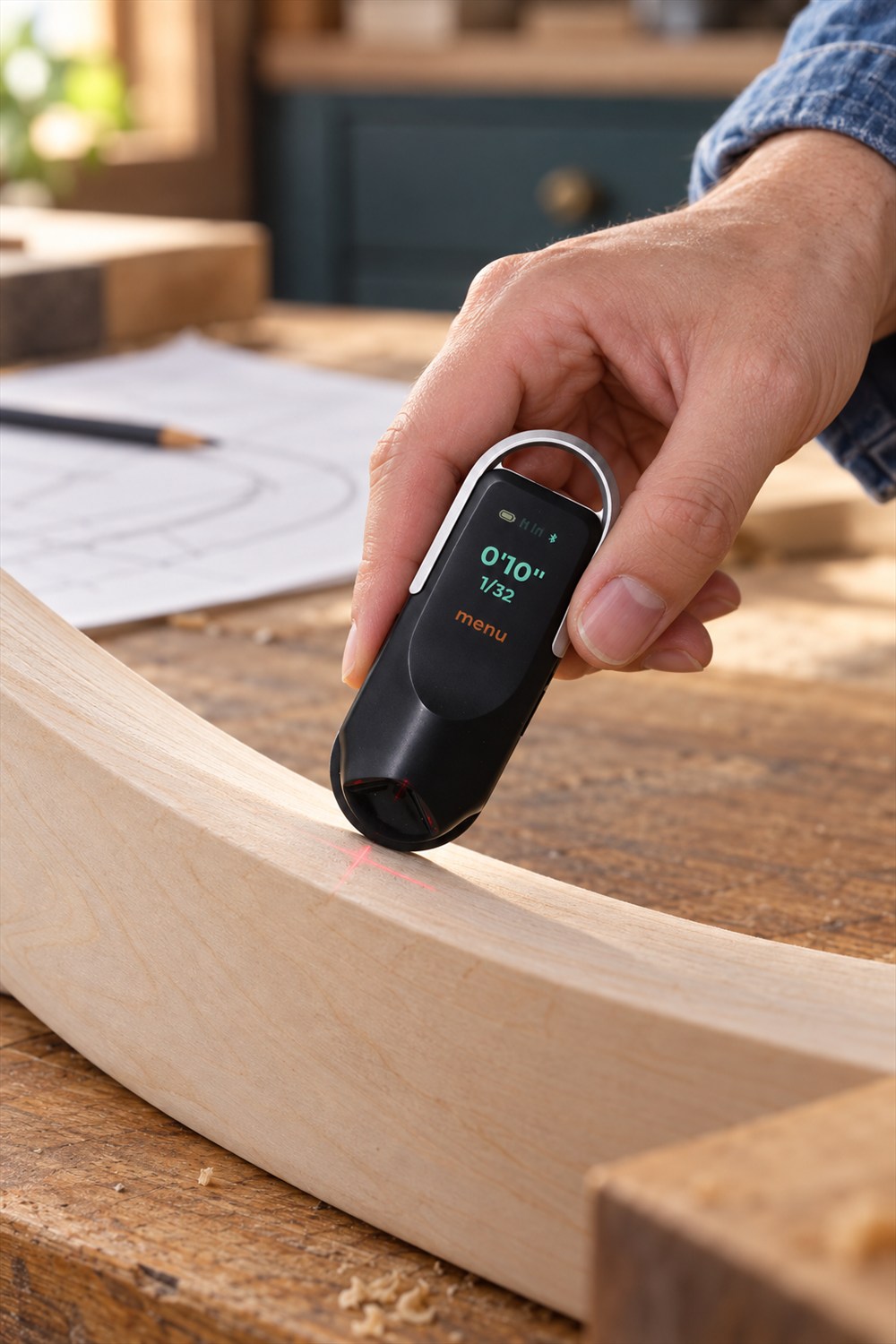
The important part is the contact measurement. NeoRulerGO measures as its wheel travels, so it is useful for paths that a rigid ruler cannot comfortably follow. A curved furniture edge, a drawn line, or an awkward outline presents a different problem from a simple straight gap. This tool is built around that difference.
A tiny wheel for things that refuse to be straight
HOZO lists linear, circular, arbitrary-curve, irregular-surface, and cylinder-diameter measurement functions. That is an unusually broad job description for something small enough to disappear into a pocket. For a DIY person, the appeal is less about collecting modes and more about having a practical way to inspect shapes without recruiting a second person to hold the other end.
There is still a human involved. You guide the wheel along the intended path, and your technique matters. Wandering off the edge or tracing a different route will not become correct because the result appears on a handsome screen. Think of it as a helpful measuring assistant with absolutely no authority over your wrist.
Related posts:
 This Automatic Digital Measuring Cup Has a Built-In Food Scale
 This Giant Inflatable Rolling Wheel Is The Ultimate Outdoor Activity For Your Little Ones
 This Genius Rolling Mosquito Screen Attaches Right To Your Garage Door Track
 This Digital Tape Measure Remembers All Of Your Measurements So You Don’t Have To
That distinction also makes it worth practicing on a known length before tackling an important cut. A few calm passes can tell you more about your handling than one heroic swoop. Anyone who has bought wood twice for the same shelf will recognize the wisdom here.
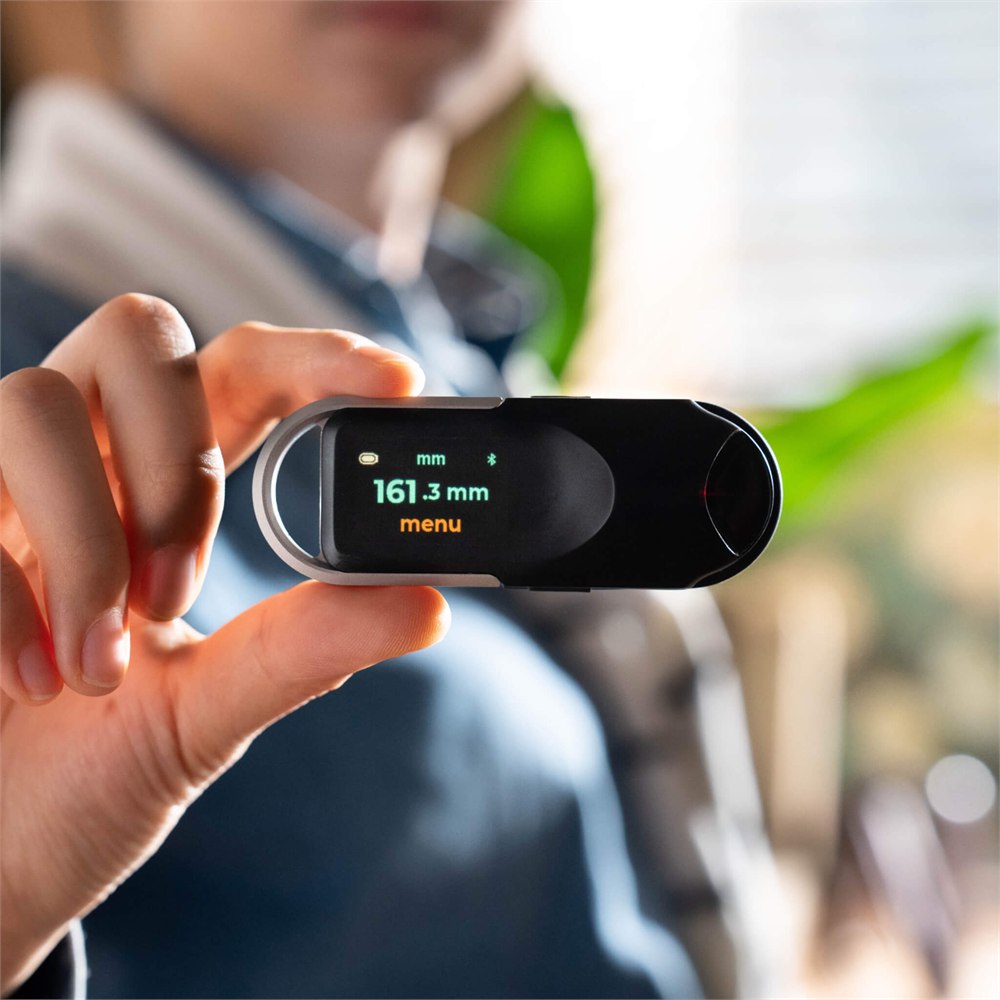
The laser helps you line things up
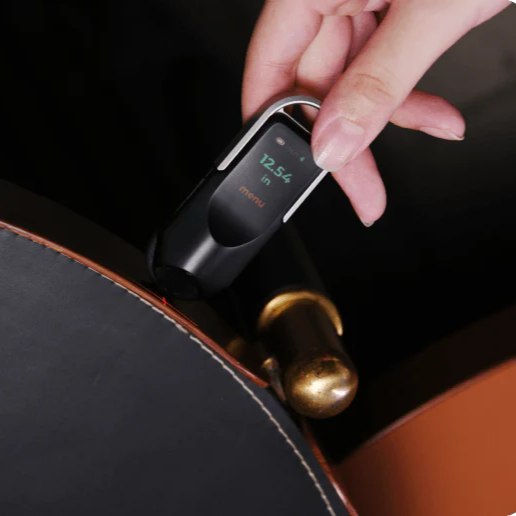
Although the product is advertised as a digital tape measure with a laser, its core trick is rolling measurement. The red cross-line laser provides an alignment reference. It should not be confused with a conventional laser distance meter that measures across an empty room simply by pointing at a wall.
HOZO’s corner-to-corner instructions describe positioning the laser at one side, then rotating the tool to align it with the opposite side when finishing a measurement. That helps explain why the laser and wheel belong together. One gives you a visible reference; the other does the rolling work.
The screen supports portrait and landscape orientations, and the tool offers left- and right-hand modes. These are the kind of modest features that become welcome when a tool is facing the wrong way for the twentieth time. A measuring gadget should accommodate your hand, not demand an interpretive dance.
It also speaks fluent floor plan
NeoRulerGO has 93 built-in scales: 52 US standard options and 41 metric options. That makes it more interesting than a pocket novelty for people who work with drawings. Roll along a scaled sketch, select the appropriate scale, and the tool can display the corresponding measurement rather than leaving you to perform a small mathematics ceremony beside the printer.
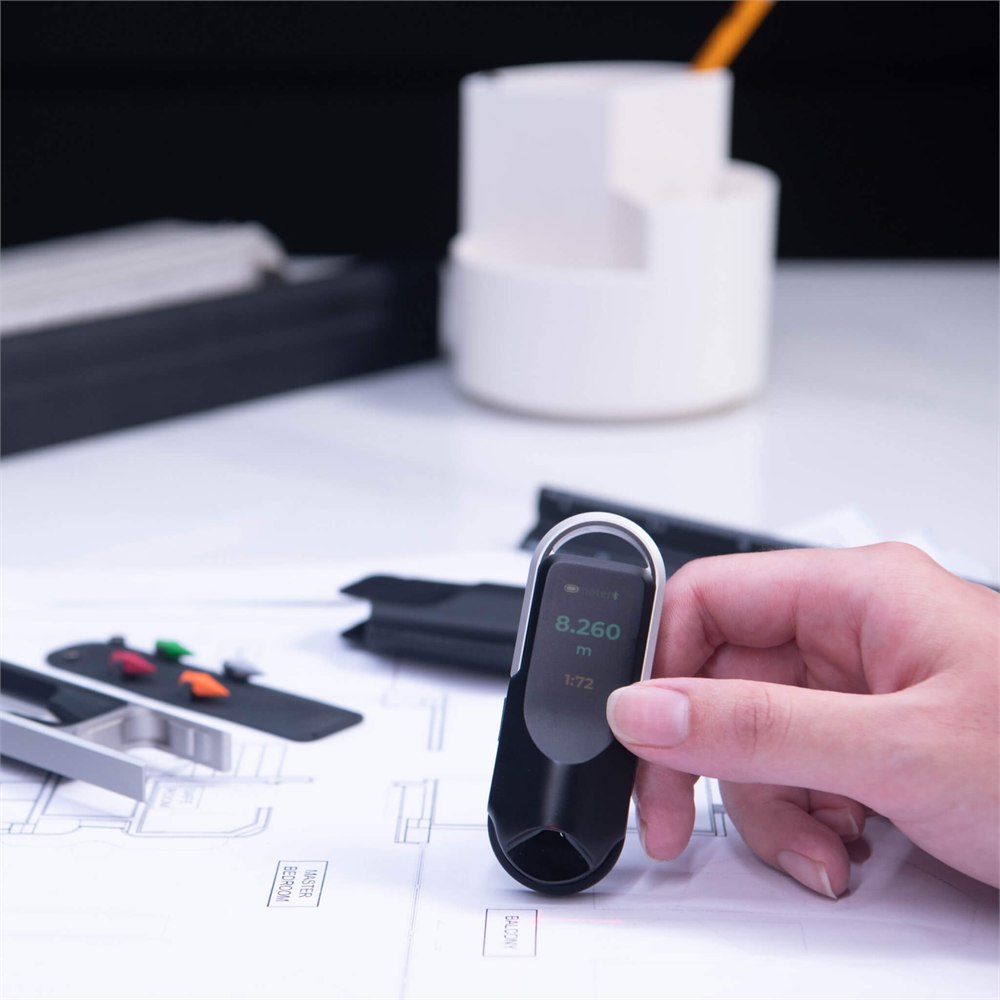
Custom scales extend that idea to drawings with unusual ratios or prints that have been resized. HOZO also supports creating and managing scale lists through its MEAZOR app. The sensible first step remains checking which scale actually belongs to the drawing. An incorrect setting can deliver a beautifully legible wrong answer.
The useful features fall into a few recognizable situations:
- Curved projects: follow an edge or contour with the measuring wheel instead of forcing a straight ruler onto it.
- Printed plans: choose from built-in imperial and metric scales when reading a drawing.
- Odd-size sketches: define a custom scale when a standard preset does not match.
- Measurement notes: transfer results to the MEAZOR app over Bluetooth instead of relying entirely on memory.
- Different grips: change handedness and screen orientation to suit the way you hold the tool.
For architects, designers, and habitual project starters, those uses overlap nicely. You can move from a drawing to a physical object without changing from a scale ruler to a completely different measuring philosophy. The list of unfinished weekend jobs remains your responsibility.
Small dimensions, with an accuracy detail worth reading
HOZO specifies a body measuring about 3.4 by 1.2 by 0.7 inches and a weight of 45 grams, or roughly 1.6 ounces. It has a 1.14-inch full-color LCD and a rechargeable 300 mAh battery. Those are manufacturer specifications, rather than measurements from an independent hands-on test.
The detailed accuracy specification is more useful than the short headline: HOZO lists plus or minus 1 mm, plus 0.5 percent of the measured distance, under ideal circumstances. It separately lists 0.5 mm resolution. Resolution describes the displayed increments; it is not a promise that every measurement is accurate to that amount.
| Detail | Manufacturer specification |
|---|---|
| Body size | 3.4 × 1.2 × 0.7 inches |
| Weight | 45 g, approximately 1.6 oz |
| Display | 1.14-inch full-color LCD |
| Accuracy | ±1 mm plus 0.5% of distance, in ideal circumstances |
| Resolution | 0.5 mm |
| Built-in scales | 93, with custom scale options |
| Battery | 300 mAh rechargeable lithium-ion |
For ordinary project planning, the rolling format may be the bigger attraction than chasing the smallest possible number on a screen. If a job depends on tight tolerances, match the tool and method to that requirement. A very small display can still show a measurement that deserves a second check.
Your measurements can leave the pocket, too
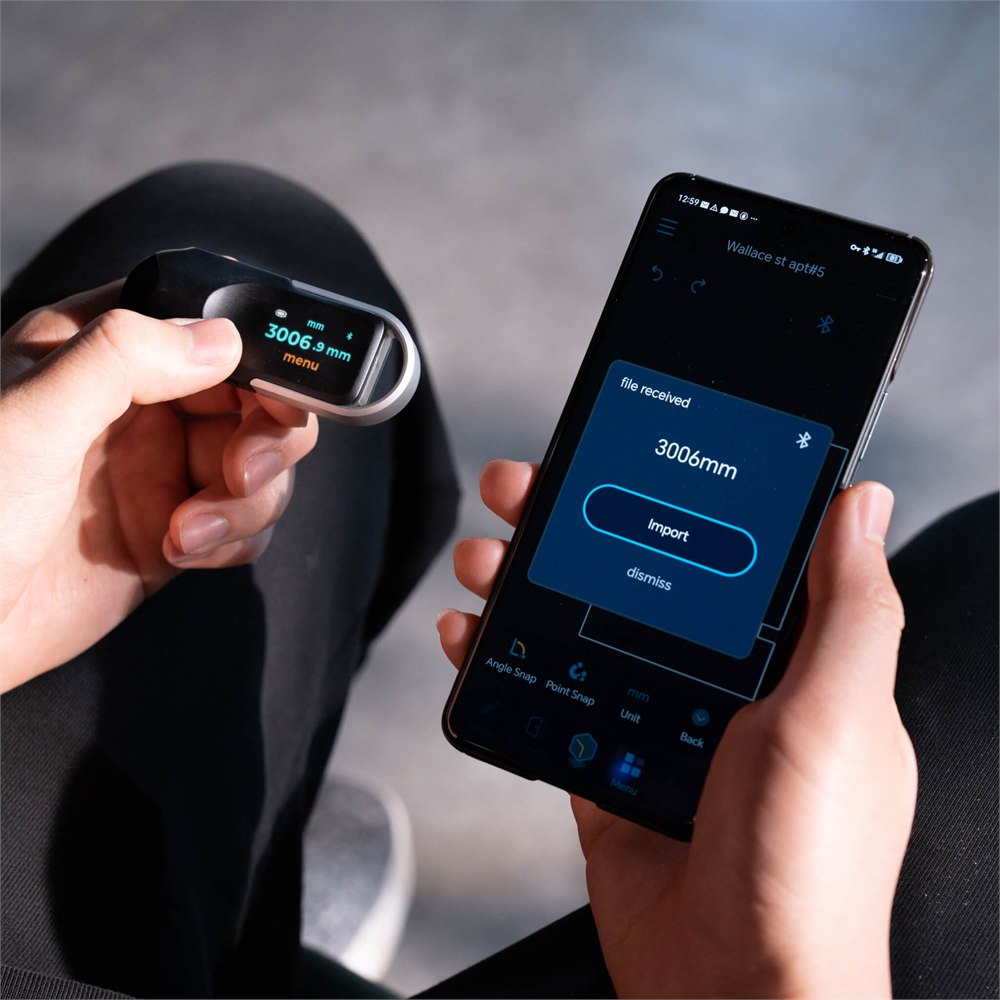
Bluetooth connects NeoRulerGO to the free MEAZOR app, which is offered for Android and iOS phones and tablets. HOZO describes recording and exporting measurement information, with DXF, PDF, and JPG among the listed output formats. That provides a route from a quick measurement to a file you can keep or use in a broader project.
The app also handles settings such as custom scale lists, screen orientation, language, handedness, and calibration. You do not have to regard every measurement as a major digital workflow, but the option is useful when a scrap of paper would otherwise become the single most important document in the garage.
It is also worth keeping expectations sensible: a Bluetooth connection does not mean the tool automatically understands the entire object you are measuring. You still choose the path, take the reading, and decide what that number represents. The app helps organize the results; it does not finish the renovation while you make coffee.
Rechargeable convenience meets the junk drawer
HOZO quotes up to 10 hours of continuous use and around 90 days of standby from the internal battery. Actual use depends on how you operate it. Charging is through USB-C, and the standard manufacturer’s box list includes the main unit, four rubber tires, a charging cable, and a user manual.
Cases and pencil-related accessories appear in separate bundles, so check which version you are choosing. The basic measuring unit is the subject here. A photograph containing a stylish carrying arrangement is not a binding promise that your order includes every handsome object in the frame.
This feels especially well suited to someone who sketches, builds, repairs, or repeatedly asks whether a piece of furniture will fit. Its unusual wheel-based approach supplies the fun, while the scale presets and recorded measurements give that fun an actual assignment.
Images: HOZO.
The pocket-size details
- Digital rolling ruler for straight, curved, circular, and irregular measurements.
- Red cross-line laser for alignment, paired with wheel-based measurement.
- 93 preset scales, plus customizable scales for drawings.
- Bluetooth connection to the MEAZOR app for records, settings, and exports.
- Portrait and landscape display options with left- and right-hand modes.
- USB-C charging and a manufacturer-listed weight of 45 grams.
The HOZO NeoRulerGO is listed on Amazon for $69.99, sold by HOZO Design and shipped by Amazon. Ordering is available, though the displayed delivery estimate may be later than the usual impulse-buy timetable; check the dates for your address before planning a project around its arrival.
For someone whose tape measure spends half its life slipping off corners, the attraction is easy to understand. A tiny wheel, a readable result, and fewer negotiations with a strip of metal: sometimes progress really does arrive by rolling quietly along the edge of a shelf.
| Pros | Cons |
|---|---|
| Follows curves and irregular contours | Requires steady wheel contact and careful handling |
| 93 preset scales and custom options | The correct scale must be selected for each drawing |
| Compact, lightweight body | Small screen may not suit every user’s preferences |
| Bluetooth records and exports | Connected features depend on the companion app |
| Rechargeable over USB-C | Needs charging, unlike a basic ruler |
| Laser alignment reference | Not a substitute for a point-and-shoot laser distance meter |
Save this find.
Thank yourself later.
Your next great gift idea. Your someday space. Your collection of wonderfully weird things.
Save to PinterestPick a board. Keep the inspiration.
This Pocket Digital Ruler Rolls Along Curves and Reads Scaled Drawings
Where to find This Pocket Digital Ruler Rolls Along Curves and Reads Scaled Drawings
OddityMall may earn a commission from qualifying purchases at no extra cost to you.
Related posts:
This Automatic Digital Measuring Cup Has a Built-In Food Scale
This Giant Inflatable Rolling Wheel Is The Ultimate Outdoor Activity For Your Little Ones
This Genius Rolling Mosquito Screen Attaches Right To Your Garage Door Track
This Digital Tape Measure Remembers All Of Your Measurements So You Don’t Have To
