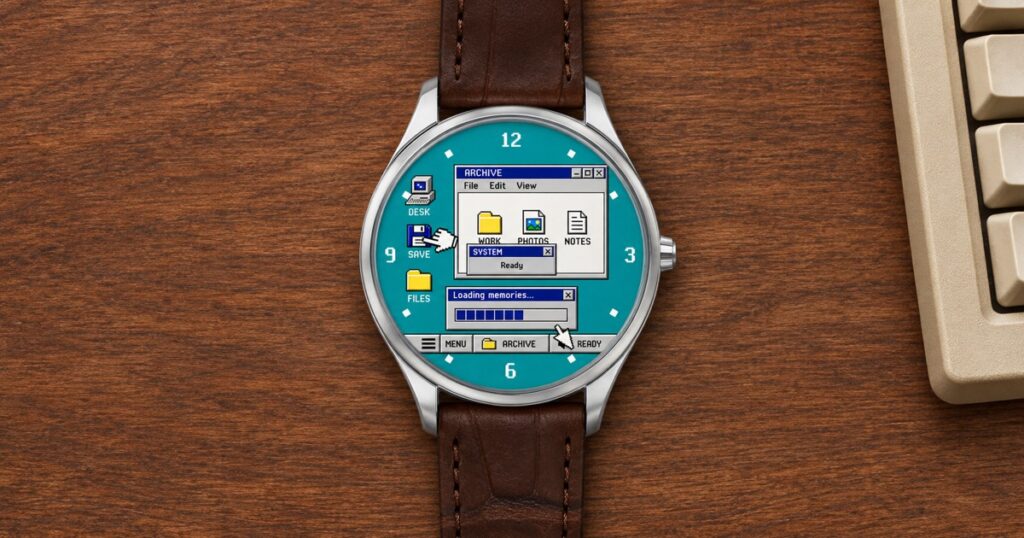
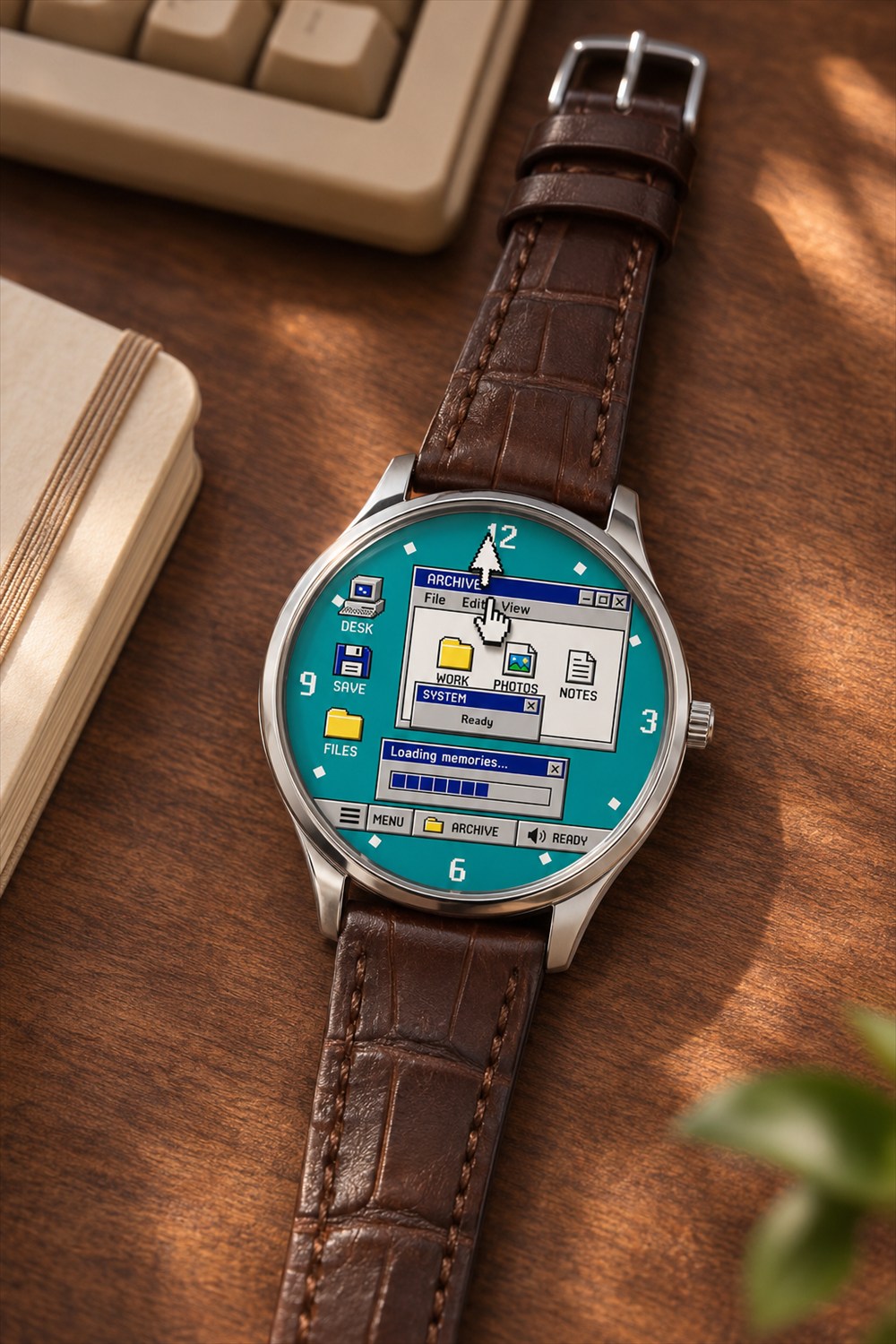
The little white glove that spent the nineties opening links has finally landed a job with regular hours. On the BENLYWATCH Desktop 95, it actually points them out. A mouse arrow keeps track of the minutes beside it, creeping across a watch face that looks uncannily like the family computer just before somebody called to ask why the phone line was busy.
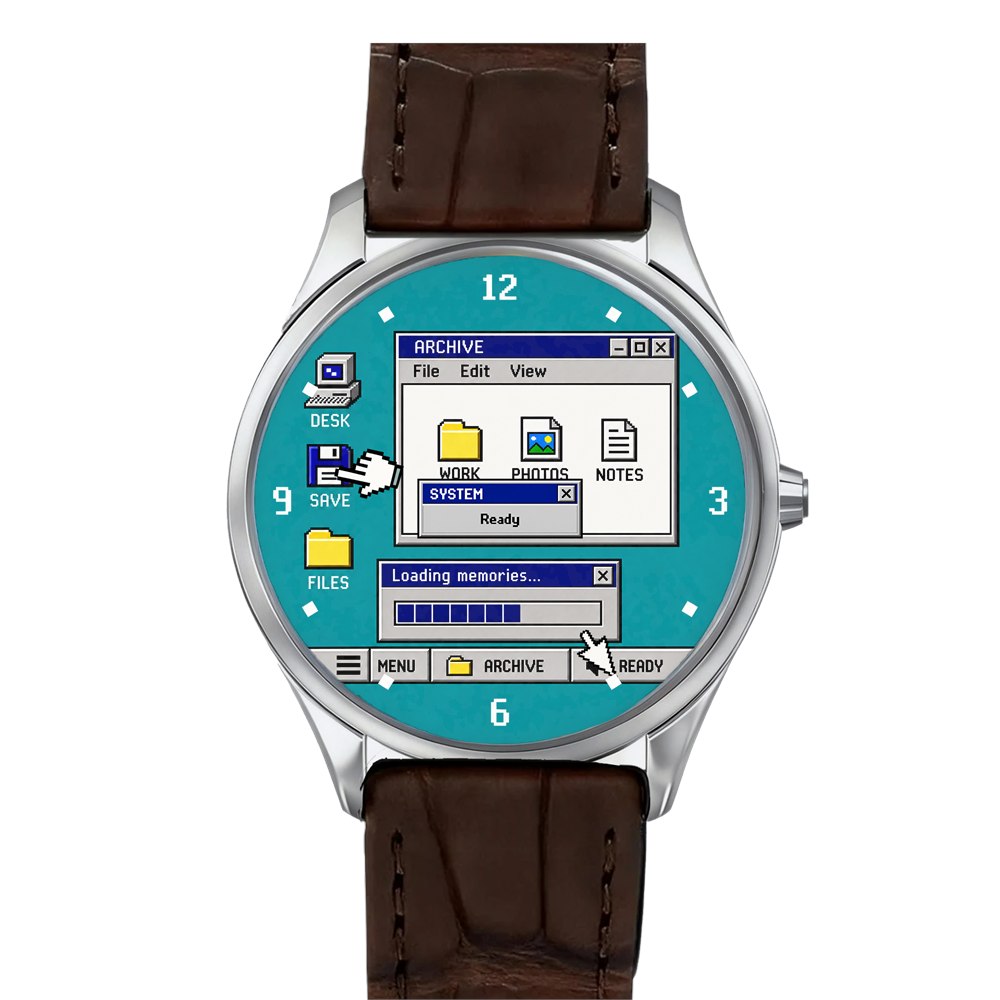
Have a look at the blue version and try to tell the time before you start reading the windows. I got as far as the little floppy disk. There’s a whole hierarchy of things to look at here: the big pale window in the middle, the icons down one side, the strip across the bottom and, somewhere in all that administrative activity, the actual time of day.
How to tell time with two mouse cursors
Start at the rim. The four big numbers sit exactly where you’d expect them on an ordinary analog dial. Find the pointing glove first and follow its position around that circle for the hour. Then find the arrow and read its position for the minutes. An arrow down by the six means half past. You don’t need to figure out which tiny file it’s pointing at. That file has been minding its own business since approximately 1995.
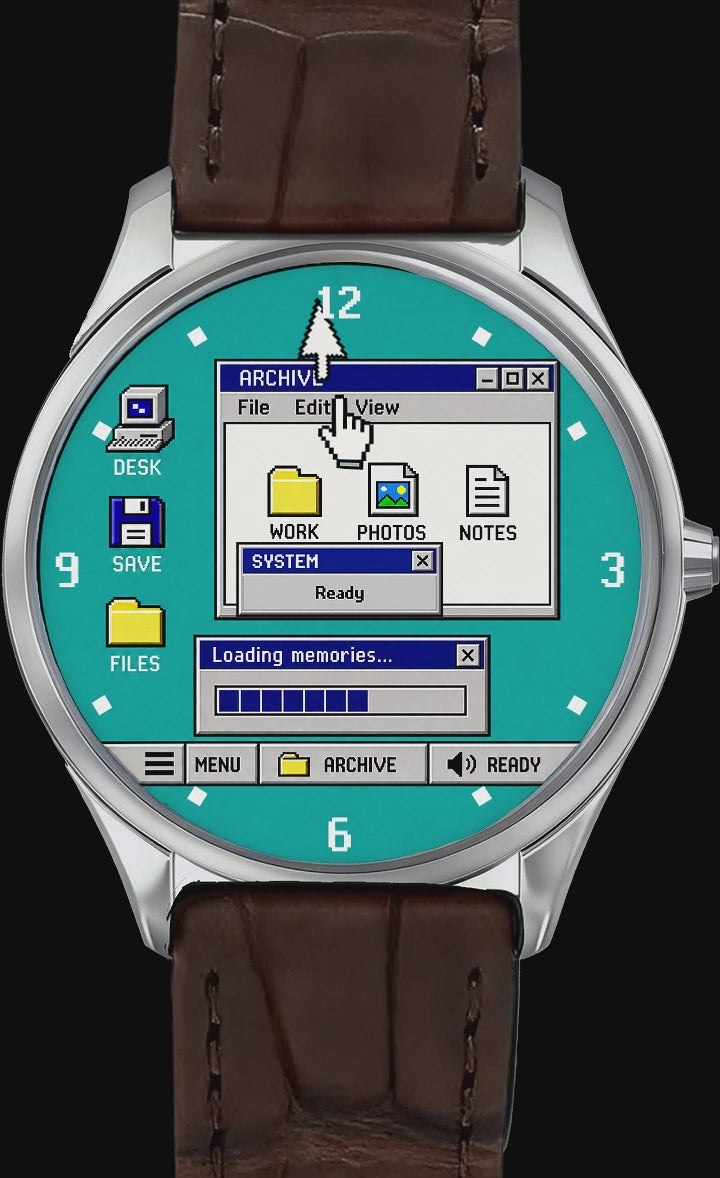
What makes this work is that a cursor already belongs anywhere on a desktop. A pair of gold watch hands crossing a file window would look like someone had put a clock on top of a screenshot. These two look perfectly at home. For a second you can forget they’re doing anything as sensible as keeping an appointment. Then you notice where the glove has got to and remember you were supposed to leave ten minutes ago.
The trick rewards a second look from the same person, too. At one hour the pointer seems interested in the taskbar. Come back later and it’s apparently got business in another window. Nothing in the background needs to animate for the scene to read differently. The timing mechanism supplies the sight gag, very slowly, all day long.




A desktop you can’t accidentally rearrange
The seller calls the brighter color Blue, though the face has that swimming-pool teal familiar to anyone who ever sat through a long computer lab orientation. Yellow folders and dark title bars stand out against it. White gives the desktop a creamy, almost manila background. Next to the brown leather strap, it brings to mind a beige monitor that spent its entire working life near a sunny window.
There’s a funny little reversal in putting this particular design on a wrist. Back at a desk, a window covering something you wanted to see was a nuisance. Here the overlapping windows are a reason to look closer. If you loved setting your computer background to a single serious business color and then filing everything directly on top of it, both versions should feel comfortably familiar.
- Pick Blue if the teal desktop is the detail you remember across a room.
- Pick White if you prefer the paler background behind the dark window outlines.
- Look at the strap as well as the dial: BENLYWATCH lists leather, Milanese and steel configurations.
- If this is a gift, measure a watch the recipient already wears before choosing by photo alone.
What’s under the desktop?
A Swiss quartz movement keeps time inside a round 316L stainless steel case. That explains why a watch dressed like a computer has so little interest in behaving like one. You’re looking at an analog timepiece. The little folder can’t accept a document, the desktop won’t take a new wallpaper, and tapping it with one increasingly impatient finger is a good way to acquire a fingerprint.
| Detail | Desktop 95 specification |
|---|---|
| Case dimensions | 39 by 44.5 mm |
| Thickness | 10 mm |
| Case and back | 316L stainless steel case; stainless steel back |
| Band width | 20 mm |
| Listed strap size | 13.5 to 20.5 cm |
| Water resistance | 5 ATM |
Those case measurements matter more here than they might on a plain dial. Enlarge the photo on a monitor and the desktop looks spacious enough to do your taxes. On a wrist the whole composition fits inside a case less than four centimeters wide. The broad color blocks carry the joke at a distance. The tiny details are a little treat for the person actually wearing it.
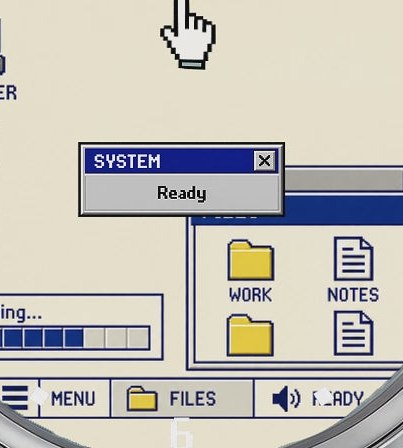
For a sense of that size without a trip to a watch counter, mark out a 39 by 44.5 millimeter rectangle on a slip of paper. Rest it across the top of your wrist. The paper won’t tell you how the real case curves, but it’ll give you a better idea of the footprint than a close-up filling your phone screen. The listed thickness is a centimeter, another useful comparison if your shirt cuffs already have strong opinions about watches.
Who will appreciate the joke?
My vote goes to the person who still calls a folder a directory and can produce the sound of dial-up internet upon request. An old interface is a surprisingly personal thing. You might remember the computer in the school library, or the desk in the corner of the dining room where an entire household shared one mouse and several conflicting ideas about where to save a file.
You don’t need any of those memories to wear it. The two different cursors make a neat visual puzzle on their own. But if somebody wants a watch primarily because they can read the minute with one eye open on a dark Monday morning, a quieter face deserves a look. This is a busy dial by design. The very bits that make it fun to show someone over lunch compete for attention when you’re looking down in a hurry.
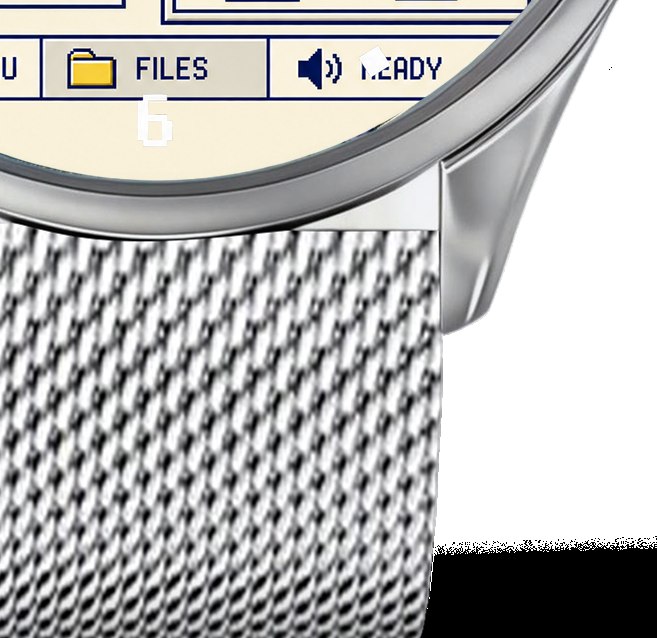
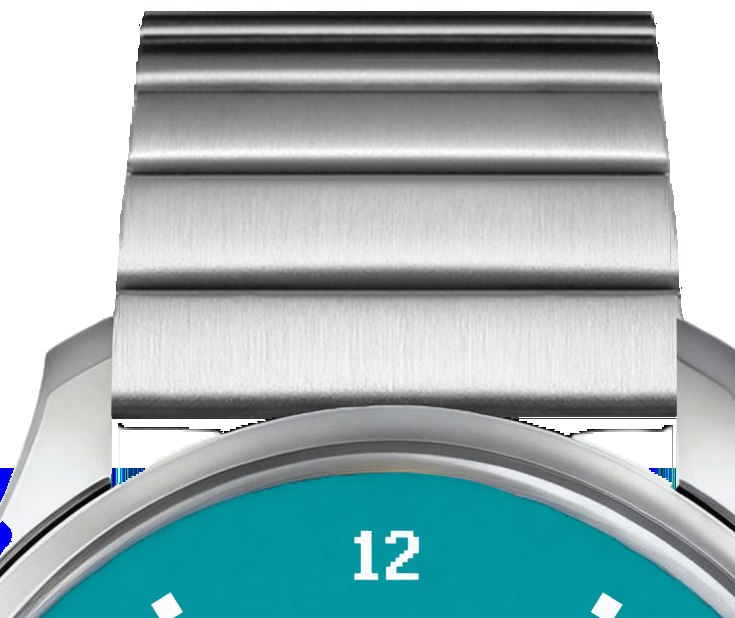
The strap makes a difference to the mood as well. Brown leather alongside the teal gives the impression that a very conventional watch has had something deeply silly happen to it. Pair the same dial with a metal bracelet and the silver case looks more continuous with the band. Either way the punch line stays small enough to tuck under a sleeve until somebody asks for the time.
Desktop 95 details at a glance
- Analog wristwatch with a mouse arrow for minutes and a pointing glove for hours.
- Blue or White desktop design with a Swiss quartz movement.
- Round stainless steel case with a 20 mm band width.
- Limited edition of 500 pieces, according to BENLYWATCH.
BENLYWATCH lists the Desktop 95 for preorder starting at $159, with shipping estimated for November 2026. The estimate matters if you’re aiming for a particular gift date. On the other hand, if the recipient spent their youth watching a progress bar from three feet away, you already know they have some experience with waiting.
| Pros | Cons |
|---|---|
| The cursor hands tell time and complete the desktop scene. | They take more practice to spot than conventional hands. |
| Two dial colors and multiple band choices change the look. | The fine desktop artwork is tiny at actual wrist size. |
| Quartz timekeeping needs no computer connection. | The desktop is decorative; the icons aren’t interactive. |
Save this find.
Thank yourself later.
Your next great gift idea. Your someday space. Your collection of wonderfully weird things.
Save to PinterestPick a board. Keep the inspiration.
This Analog Watch Tells Time With Two Mouse Cursors
At a glance
Product snapshot
- Listed price
- From $159Prices and availability can change. Check the seller for current details.
- Where to find it
- BENLYWATCH
- Category
- Geeky Stuff