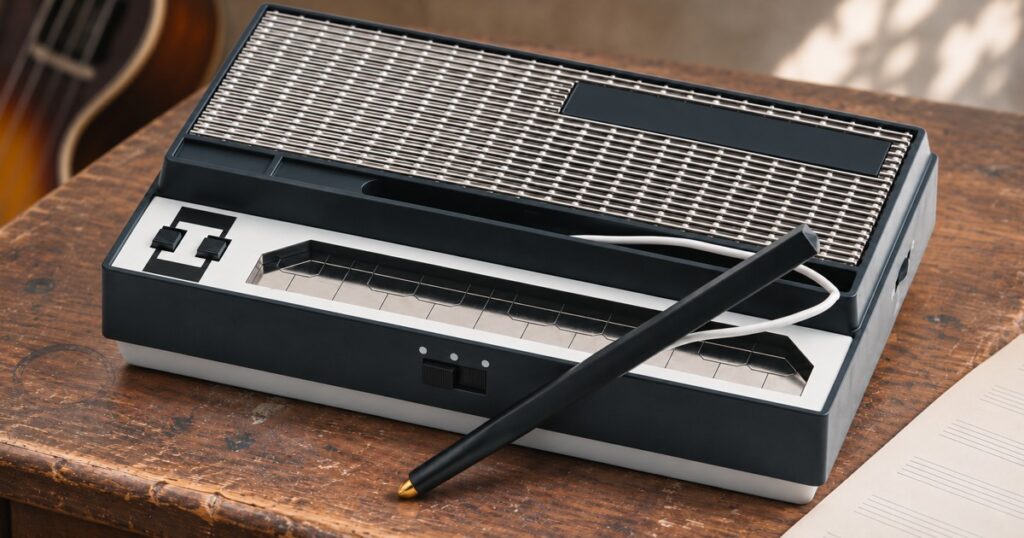
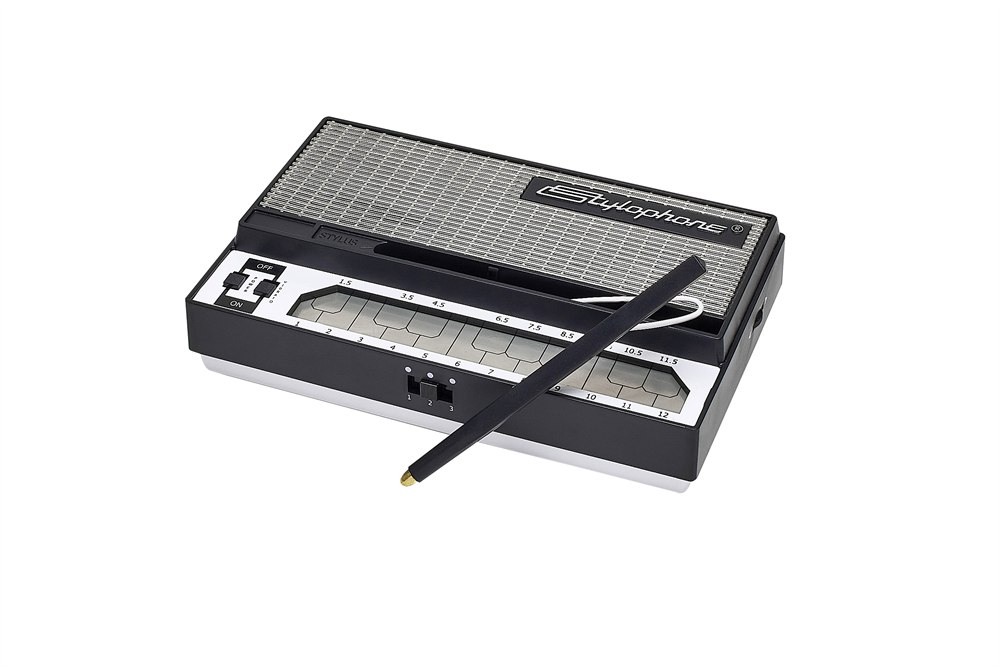
The Stylophone S-1 pocket synthesizer has a keyboard you play with a pen. Pick up the little black stylus, touch its brass-colored tip to one of the silver strips, and out comes a buzzy electronic note. Drag the tip sideways and the notes tumble over one another like a tiny robot missing a flight of stairs. You can do all of this while holding the entire instrument in your other hand.
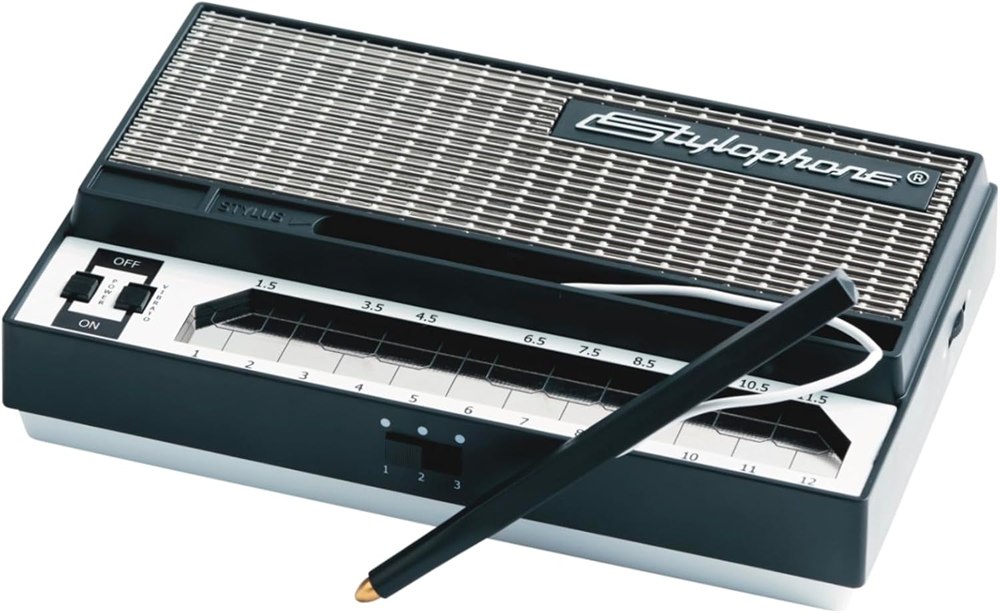
A keyboard with numbers on the keys
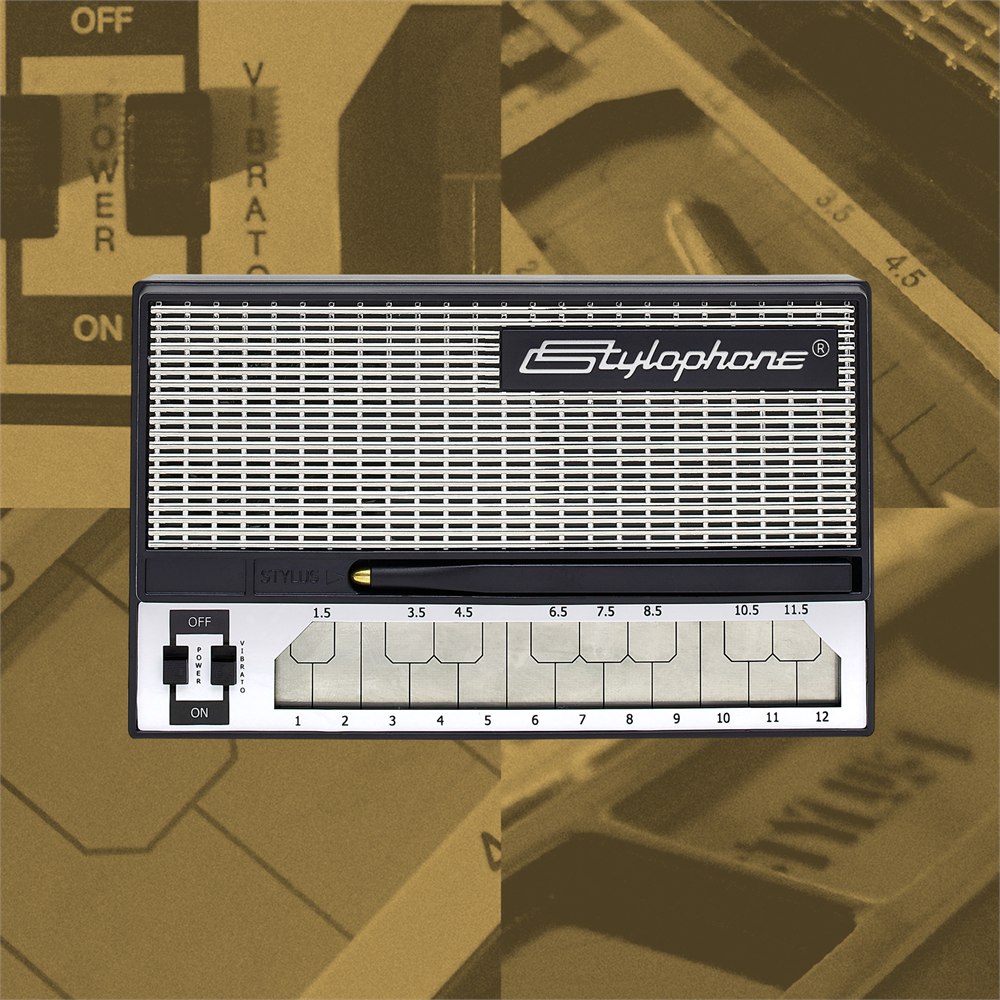
Look closely at the playing surface. The long strips across the front have whole numbers beneath them, and the shorter ones sit farther back, in much the same arrangement as the black keys on a piano. Each metal contact sounds its own note. The numbers give you a handy way to remember a tune even if the last piece of sheet music you read had “Hot Cross Buns” across the top.
Say you find three notes you like over breakfast. Write down their numbers on the back of an envelope and leave a little space where you paused. Later you can hand that envelope and the Stylophone to somebody else and see if they can reconstruct your masterpiece. The pitches will be right there on the paper. How long to hang on to the last one is between the two of you.
The tether on the stylus makes sense the moment you look at the thing. A loose pen this size would vanish into the couch by the second verse. Here it stays connected to the instrument, and there’s a recess above the keyboard where it can lie when you’re finished. Across the top, the broad silver speaker grille gives this little black box the air of a transistor radio with a second career.
What to play in the first five minutes
Start by singing a few notes of something you know by heart. A doorbell will do. Find the first pitch by tapping around, then listen for whether your voice goes up or down on the second. That gives your hand a direction to travel. Once the pitches match, try changing just the length of the gap between them. A perfectly polite ding-dong can develop a surprising amount of attitude.
Related posts:



- Tap one strip several times, lifting the tip clear between taps. Try giving the last note twice as much time as the others.
- Keep the tip down and slide across three adjacent strips. Listen for the separate pitches as the tip crosses each boundary.
- Hold the last note of a tune and flip on vibrato. The pitch wavers while your playing hand stays still.
That distinction between lifting and sliding is where a lot of the personality comes from. If two notes sit far apart, lifting the stylus lets you jump straight from one to the other. Leave it touching the keyboard on the way across and you hear the intervening notes, too. One approach makes a tidy little leap. The other announces every single stair you took to get there.
Four controls worth finding before the encore
There’s a tuning wheel on the back, a three-position sound selector, a volume control and a vibrato switch. They solve different musical problems. In particular, tuning comes in handy when you can play a melody cleanly on your own but it sounds just a little sour when somebody picks up a guitar and joins in.
| Control | Something to try |
|---|---|
| Tuning wheel | Hold a note and match its pitch to a sustained note on another instrument. |
| Sound selector | Repeat a short riff in each of the three settings to hear where it sits best. |
| Vibrato | Switch it on for a long ending note where the wobble has time to develop. |
| Volume | Start low, especially when switching to headphones, and bring the sound up gradually. |
The single stylus naturally steers you toward playing a melody or a bass line. If you usually sit at a piano and play chords with your left hand, give that hand a different job here. Support the case, work the vibrato switch, or tap a beat on the table. A bass figure of just two notes gets considerably more interesting once you decide exactly where the silence should fall.
A little piece of space-age pop history
The original Stylophone dates to 1968. David Bowie used one on “Space Oddity,” a remarkably grand destination for an instrument that looks perfectly at home beside a stack of grocery coupons. Next time you hear the song, listen for the thin, reedy electronic color tucked in among the other instruments. It gives you an idea of what that distinctive voice can contribute when somebody else is carrying the tune.
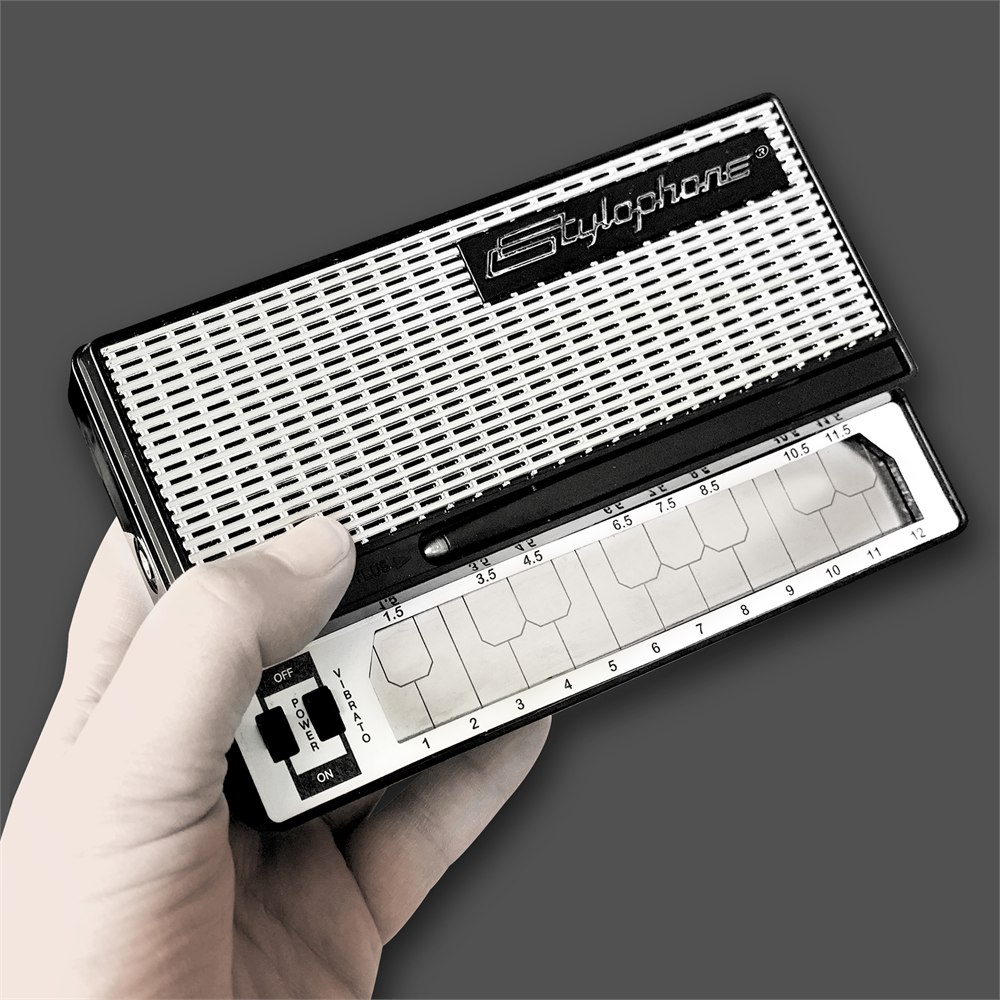
The modern S-1 keeps that buzzy character and runs off three AA batteries. There’s a speaker in the case, so playing a few notes involves roughly the same amount of setup as turning on a flashlight. Headphones make more sense when the rest of the household has already identified the song and would dearly love to move on to the next round.
For recording, the audio connection is worth understanding before you start digging through the cable drawer. Dubreq describes running a 3.5 mm stereo cable to a computer’s line input and recording the sound in audio software. Check what inputs your equipment actually has. A laptop socket intended only for headphones sends sound out, and your little synthesizer needs somewhere to send sound in.
Once you can record a pass, try playing a low two-note pattern first, then recording a higher answering phrase on a separate track. Leave a gap in the first part for the second one to fill. It’s an easy way to hear two parts of your own arrangement at once, and each hand still gets to do the only thing it signed up for in the first place.
What comes with the pocket synth?
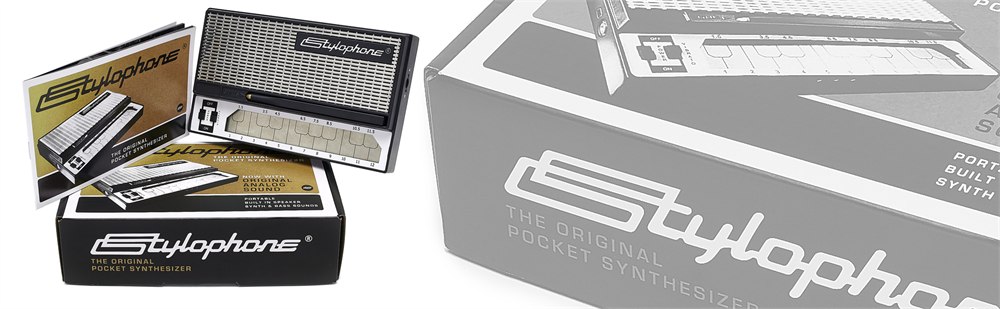
The original silver-and-black model was listed at $39.95 by Dubreq on Amazon. This is the standard instrument. The carry-case bundle has its own listing option, and the three batteries are a separate purchase. If you’re wrapping it for somebody, adding those AAs will settle whether the inaugural concert happens at the party or after a trip to the drugstore.
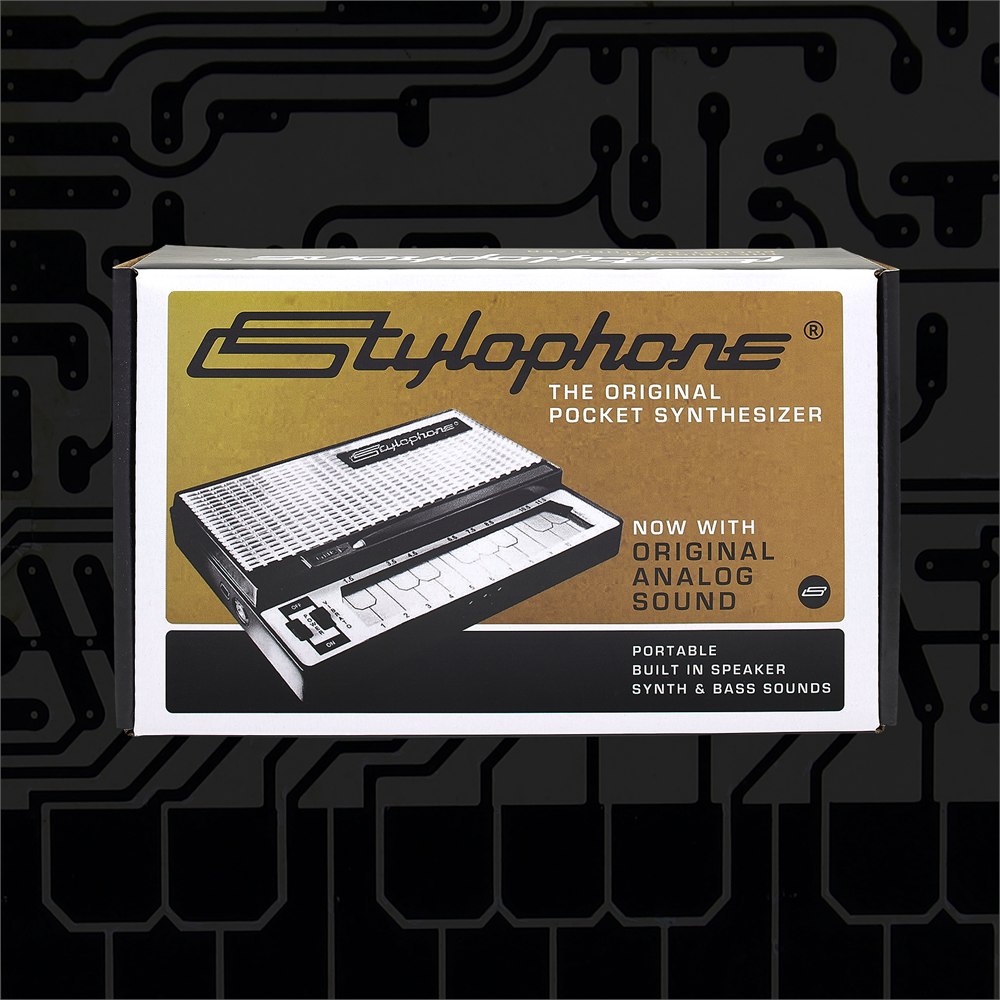
- Dubreq Stylophone S-1 with attached stylus and numbered metal contacts.
- Three sound settings, switchable vibrato and adjustable tuning.
- Built-in speaker, volume control and a headphone connection.
- Under 12 centimeters wide and powered by three AA batteries.
Stylophone S-1 pros and cons
| Pros | Cons |
|---|---|
| Numbered contacts make short tunes easy to share. | The narrow strips take some aim on fast jumps. |
| The tether keeps the stylus with the keyboard. | One stylus plays a single melodic line at a time. |
| The speaker lets you play away from a desk or amp. | You’ll need to supply three AA batteries. |
| Analog audio can go straight into a suitable line input. | Computers with output-only sockets need additional recording hardware. |
At a glance
Product snapshot
- Listed price
- $39.95Prices and availability can change. Check the seller for current details.
- Where to find it
- Amazon.com
- Category
- Gadgets