
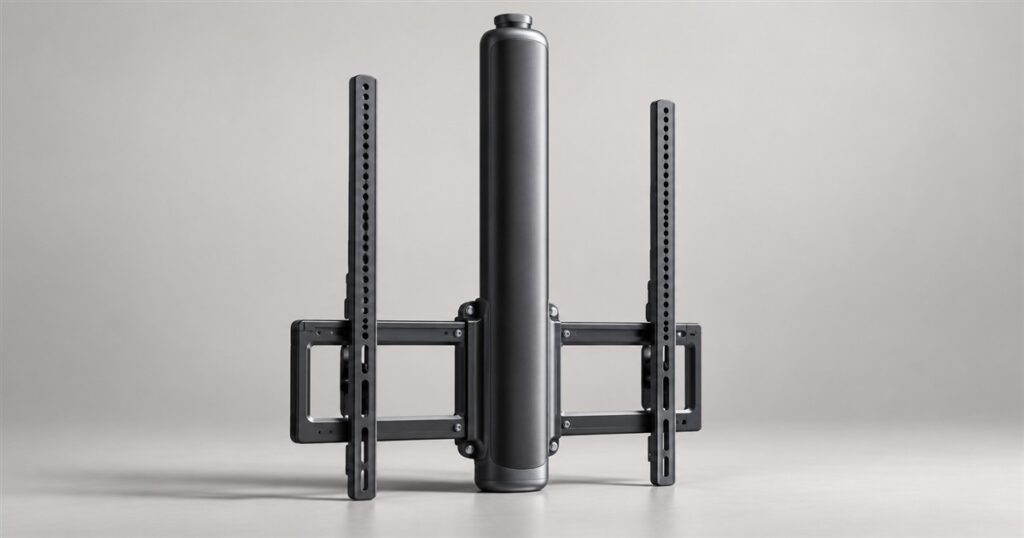
Mounting a television usually involves a drill, a level, and one household member declaring that the height is perfect for everyone. Everyone else then spends the next seven years quietly disagreeing with their neck. The Perlegear AX1 Smart Adaptive Mount gives that argument a motor: it raises and lowers the screen as viewing positions change.
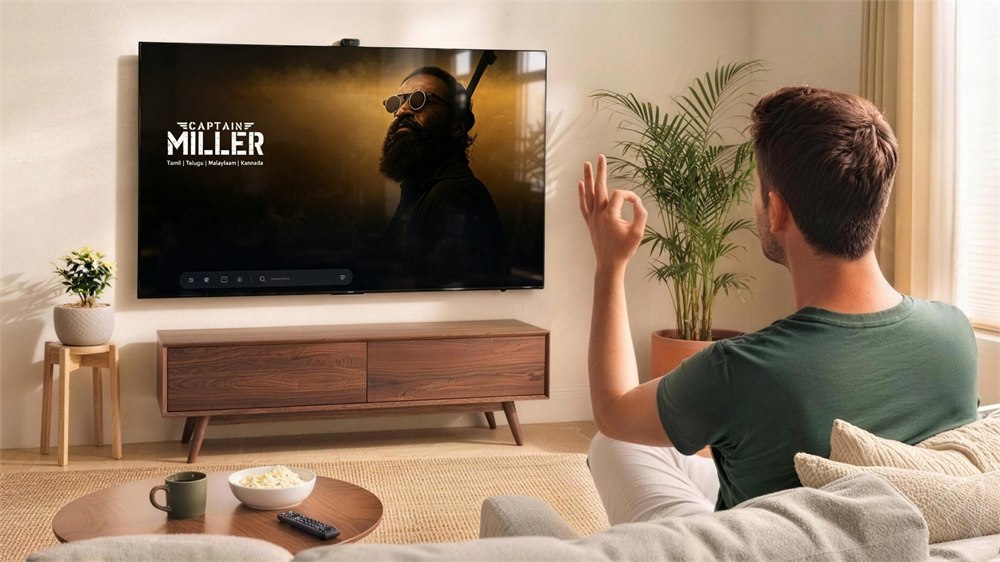
This adaptive TV wall mount uses a vision sensor to work out where viewers are positioned, then adjusts the television vertically. Sit on the sofa, move down to a workout mat, or stand up for a game, and the idea is that the screen can meet the new situation. Your wall finally has a small concession to human behavior.
Perlegear introduced the AX1 at IFA 2026. It is still an upcoming product, rather than a mount you should assume is ready to ship. But the central idea is wonderfully concrete for something wearing an AI badge: a very large rectangle physically moves up and down.
A television with room to change its mind
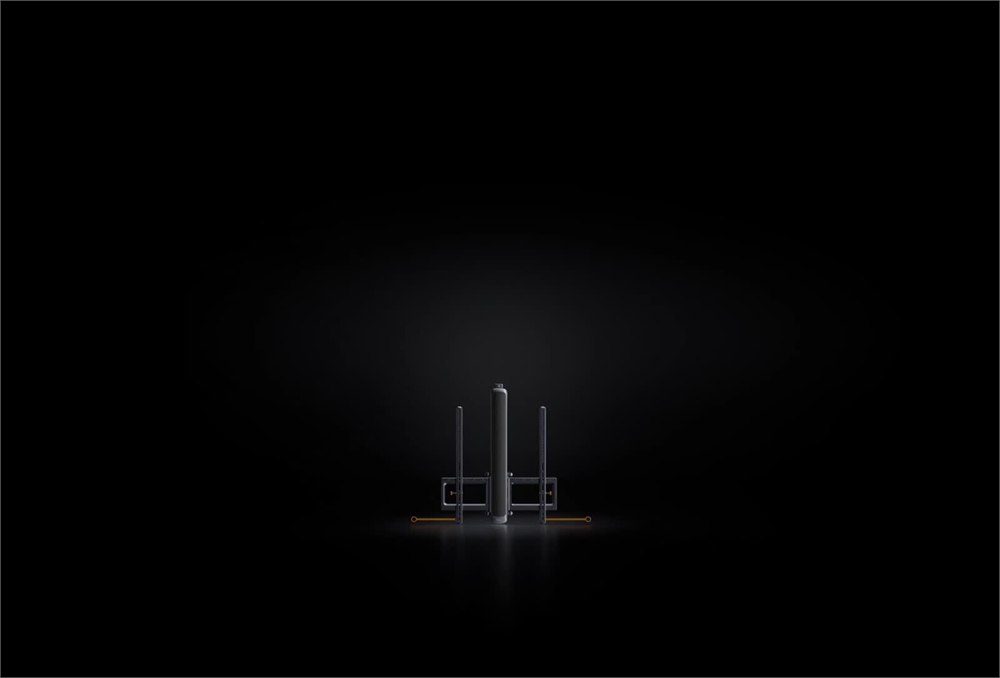
The AX1 offers 400 mm of vertical travel, roughly 15.7 inches. That does not turn the entire wall into an elevator shaft, but it creates a meaningful adjustment range between different viewing heights. The powered mechanism sits behind the television, so the intended effect is a changing screen position without a great display of machinery.
Think about the ordinary living room schedule. Someone watches the news upright with coffee. Later, someone attempts floor yoga while trying to see the instructor. By evening, the family has arranged itself into several incompatible shapes across a sofa. A fixed bracket gets one answer to all of this. The AX1 gets a range.
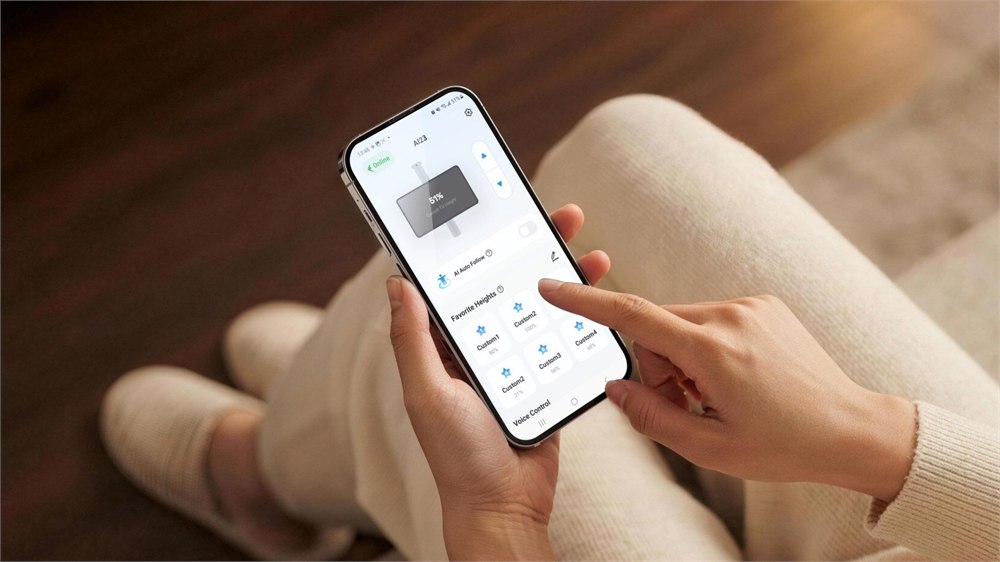
It also has a less theatrical option: save a height and call it back when needed. Perlegear lists six app presets and four remote presets. That makes it possible to give familiar activities their own positions without asking the sensing system to make every decision.
The official page lists a lift speed of 20 mm per second and operation at 45 dB. Those are manufacturer specifications, not the result of us timing a television in a living room. Expect a controlled adjustment rather than a screen that snaps into position the instant somebody reaches for popcorn.
Several ways to tell the wall what to do
Automatic sensing is the headline feature, but Perlegear also lists app, remote, voice, physical-button, and gesture controls. That is a useful spread for a product whose entire job is to change something you can already see. Sometimes a button really is enough.
The gesture options can switch intelligent position sensing on or off and change viewing modes. The product page also names Alexa and Google Assistant for voice height control. A household that already talks to lamps now has another perfectly ordinary reason to address the furniture.
- Use a saved height for a regular sofa viewing position.
- Choose a lower position for floor-based exercise or watching from a mat.
- Raise the screen for standing activities within the available travel range.
- Use the remote or physical controls when a phone is inconvenient.
- Switch viewing modes when one person becomes a group.
There is a practical distinction between moving a screen and moving it constantly. Perlegear says the selected viewing mode governs adjustments, and users can turn the behavior off. This should be a mount that helps with changing activities, not an enthusiastic coworker who reorganizes your desk whenever you blink.
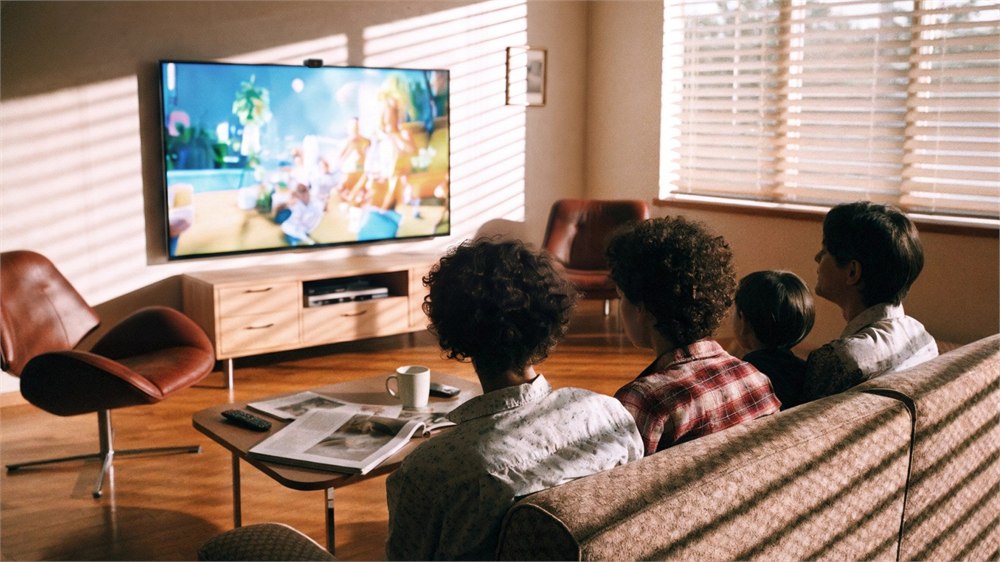
For shared viewing, the AX1 has a multi-viewer mode intended to find a suitable height for the group. That cannot magically make every seat identical, particularly if the room has an awkward layout. It does make shared viewing part of the design instead of assuming the television has precisely one human.
Check the actual fit before planning the wall
The fit specifications deserve more attention than the word smart. Perlegear’s FAQ lists 75- to 120-inch televisions, a maximum weight of 200 pounds, and VESA patterns from 200 by 200 to 600 by 600 mm. The screen size, weight, and mounting-hole pattern all matter; a diagonal measurement alone is not a compatibility check.
| Detail | Perlegear’s listed specification |
|---|---|
| Vertical travel | 400 mm, approximately 15.7 inches |
| TV size in the FAQ | 75–120 inches |
| Maximum TV weight | 200 pounds |
| VESA range | 200 × 200 to 600 × 600 mm |
| Saved positions | Six app presets and four remote presets |
| Listed wall types | Concrete, solid brick, and wood studs with appropriate hardware |
One product-page graphic gives a broader 55- to 120-inch range, while the FAQ gives 75 to 120 inches. Until Perlegear resolves that mismatch, owners of smaller screens should confirm compatibility directly. Buying a clever bracket for the wrong television would be a very traditional mistake.
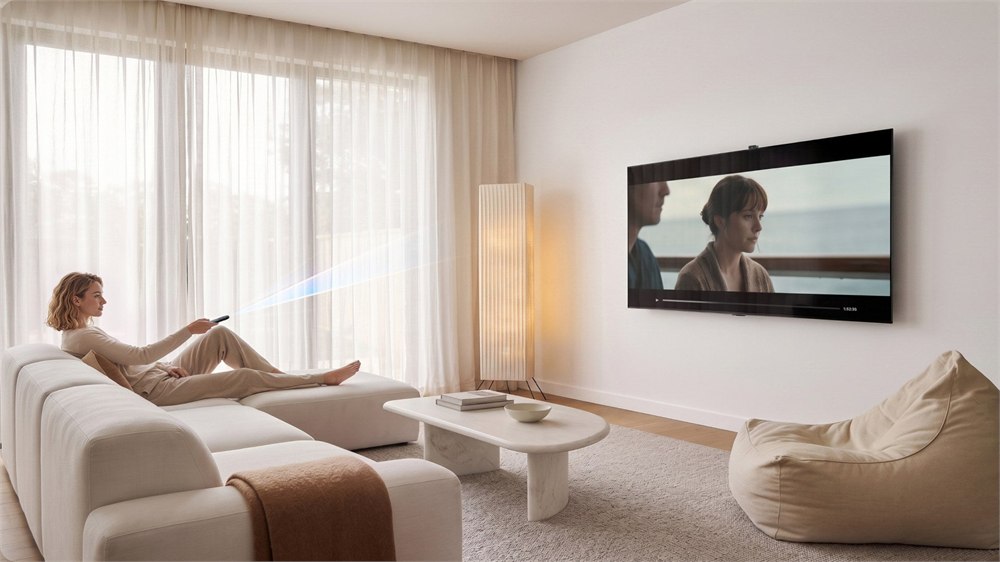
A powered mount also needs a clear path through its full travel. The space below a screen is often where soundbars, consoles, plants, and decorative objects gather for reasons nobody remembers. When planning a setup, account for the moving screen and connected cables, rather than measuring only its favorite resting position.
Perlegear lists collision detection, overload protection, travel limits, and accidental-touch prevention. Those protections are useful features, but the installation still needs to follow the appropriate instructions for the wall and television. The bracket may be adaptive; the wall should remain reassuringly boring.
Position sensing without a cloud video diary
The privacy description is unusually relevant here because the sensor points toward the people watching. Perlegear says visual information is processed locally, images and videos are neither saved nor uploaded, and the system does not identify who is in the room. It needs viewing position, not your biography.
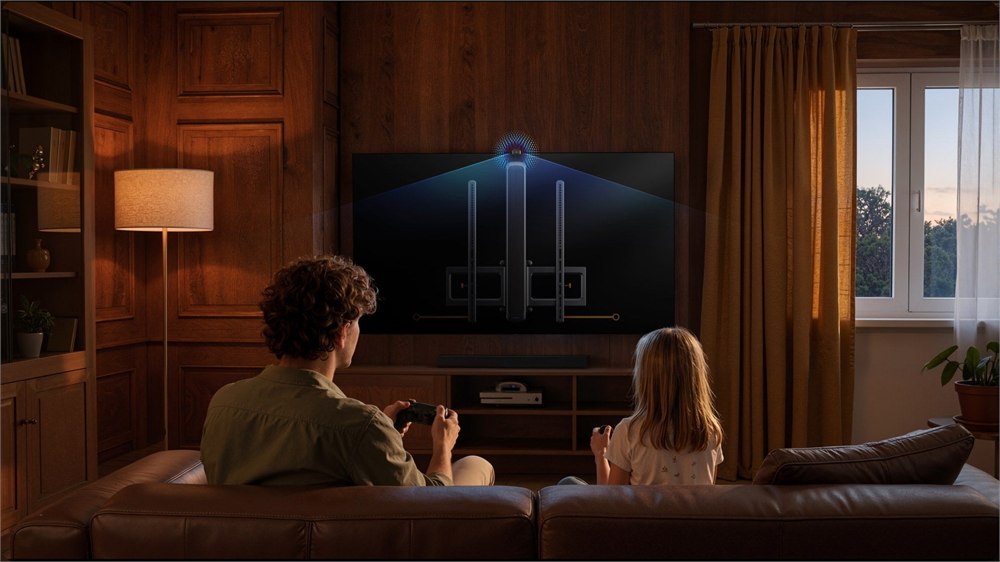
The FAQ says on-device sensing, gestures, remote operation, and physical controls remain available without Wi-Fi. Connected functions such as app control require Wi-Fi. That distinction matters if the appeal is an adjustable screen rather than another internet-dependent routine.
There is also room for honest restraint about what this accomplishes. A movable mount does not improve the television’s picture processing, solve seating angles in every room, or guarantee comfort for every viewer. It changes screen height. For a household that uses one big television in several different ways, that may be the useful part.
Images: Perlegear.
The details before you start negotiating with the sofa
- Product: Perlegear AX1 Smart Adaptive Mount.
- Purpose: powered vertical television adjustment with optional position sensing.
- Travel: 400 mm, with saved positions in the app and remote.
- Controls: app, remote, voice, buttons, and gestures.
- Privacy: local processing without saved or uploaded images, according to Perlegear.
- Fit: check weight, VESA pattern, wall construction, and the final TV-size specification.
Pricing has not yet been announced. Perlegear currently describes the AX1 as coming soon and offers product updates through its official site; a commercial release date is not confirmed. For now, this is one to watch if your television has spent years at the height chosen by the tallest person holding the drill.
| Pros | Cons / considerations |
|---|---|
| Powered height changes suit different activities | Movement is limited to the 400 mm travel range |
| Automatic sensing plus several manual controls | Some connected functions require Wi-Fi |
| Local visual processing and no saved footage claimed | Position sensing still uses a viewer-facing sensor |
| Presets simplify repeat viewing positions | TV-size information currently conflicts on the product page |
| Designed for large, heavy televisions | Installation compatibility must be checked carefully |
| Unusual solution to a familiar living-room compromise | Price and commercial availability remain unannounced |
Where to find This Adaptive TV Wall Mount Raises and Lowers the Screen for You
OddityMall may earn a commission from qualifying purchases at no extra cost to you.
